You're booked. One quick thing to lock it in.

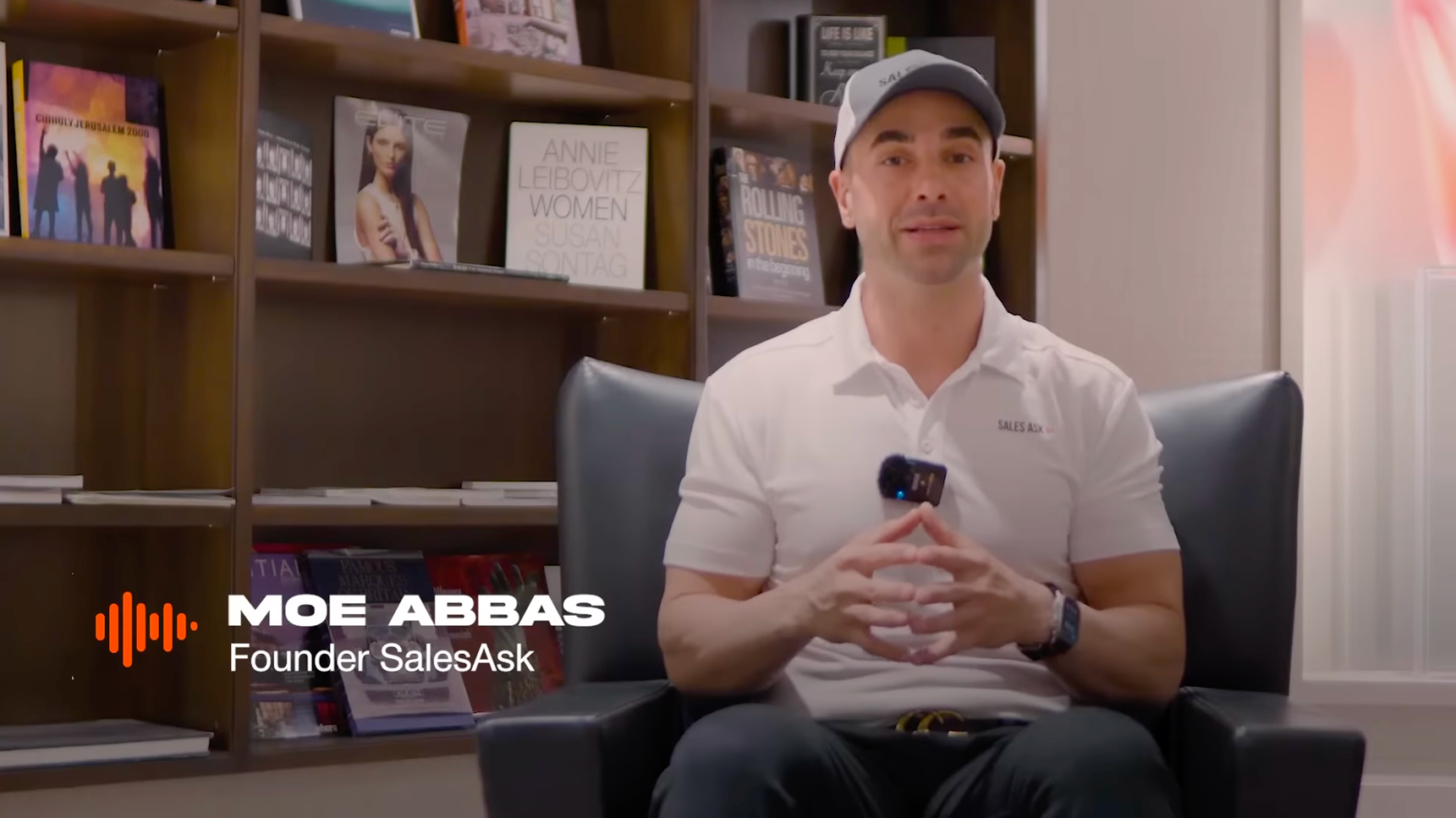
Watch this before your demo. It's under a minute, and it's from Moe, our CEO.

We'll text and email you to confirm.

Reply to that text and your slot is locked. Here's the whole thing in three steps.

What happens next
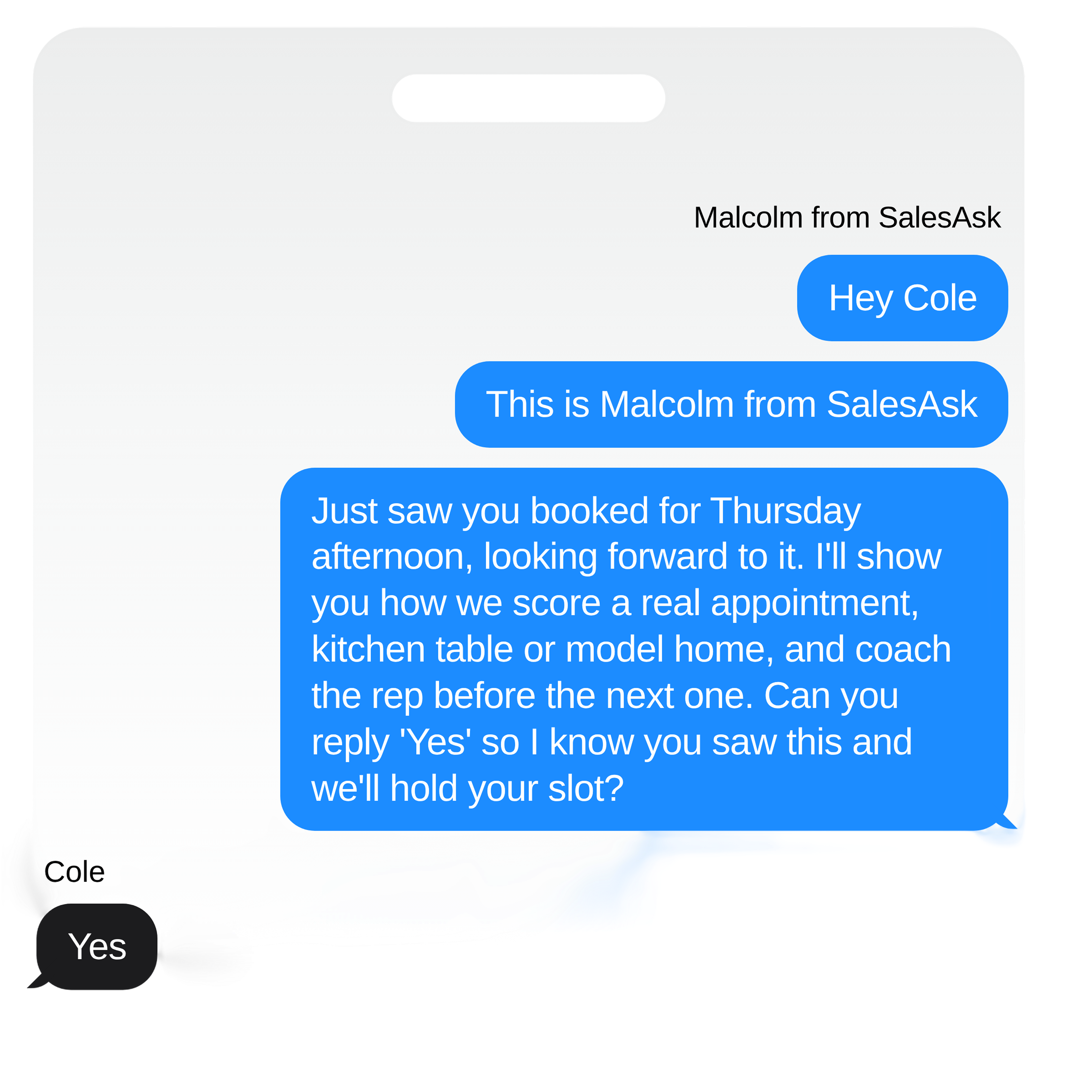
Reply to the text

The rep running your demo will text you shortly. Reply and we hold your slot. Bookings we can't confirm get released, so this is the one that matters most.

Accept the calendar invite

It carries the meeting link and the reminder. Two different systems, two different ways to miss it, so please do both.

Join from a laptop or desktop

We share our screen for most of the call, so bring something you can see it on. Need to move it? Tell us early and we'll find another time, no problem.

Example confirmation text message from Malcolm at SalesAsk asking the customer to reply Yes to hold their demo slot

While you wait

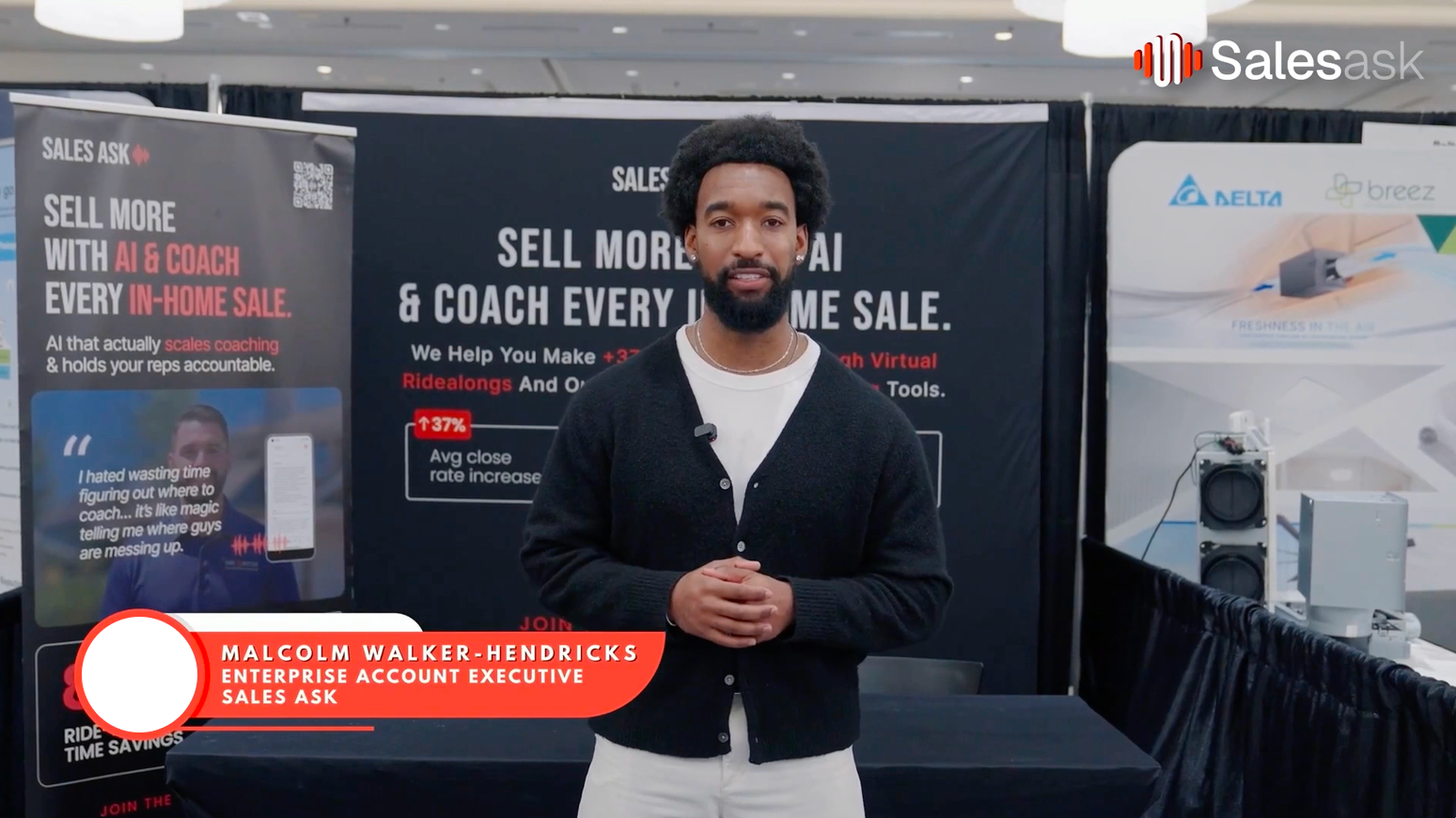
Two short clips if you'd like a head start. Neither one replaces the demo, we'll go deeper and answer your questions live.
1,000+

Teams rely on SalesAsk

Frequently asked questions

View all FAQs
What actually happens on the demo?
How long will it take?
Do I need to prepare anything?
Who should be on the call?
Why do I need to reply to the text?
Can I move it if something comes up?
Do I need to be at a computer?
Is this going to be a hard sell?
What happens with anything I share on the call?
What if I have a question before then?