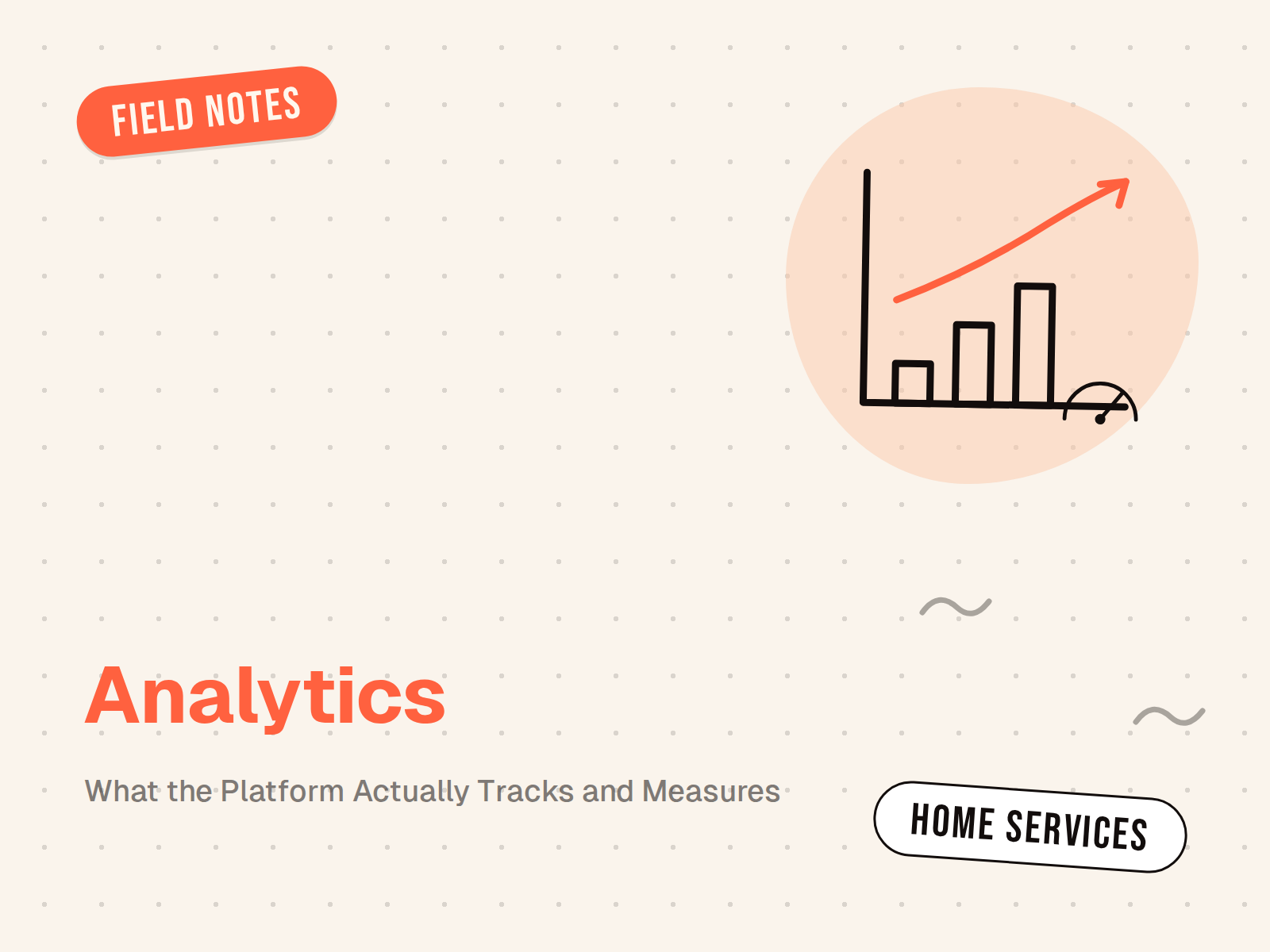
There’s a claim floating around in competitor comparison pages that describes SalesAsk as an “earpiece tool with no analytics platform.” It’s been sitting at position four on the Rilla alternatives search result for weeks, and it’s wrong in a way that costs home services contractors real money when it sends them toward a worse fit.
So let’s fix it. Not defensively—just with specifics.
What SalesAsk Actually Measures
Every platform in this space records calls. That part is table stakes. The question is what happens after the recording, and this is where the field separates.
SalesAsk runs a scoring layer called Coach Dean over every recorded conversation. Coach Dean doesn’t produce a single “call quality score” and call it a day. It scores each specific step of your sales process: how the rep opened, whether they ran discovery before presenting price, whether they introduced financing early enough, how they handled the moment the homeowner said “I want to get another quote,” and whether they actually asked for the close.
Each step is graded individually, against your company’s own playbook. If your process has 7 steps, you get 7 scores per visit. If it has 12, you get 12. This matters because “call quality” as a single number tells a manager almost nothing. A rep can score 91% overall while systematically failing to introduce premium options—and you’d never catch it in aggregate.
The platform also surfaces highlighted phrases: specific moments in the transcript where the rep either nailed or fumbled a playbook element. A coach reviewing a call doesn’t sit through 45 minutes. They get flagged to the 90-second clip that actually decided whether the job got closed or not.
The Pattern Recognition Layer
Individual call scoring is useful. What happens across hundreds of calls over a month is where the analytics start to generate revenue.
SalesAsk identifies patterns at the team level that no manager can catch manually. You see things like: three of your nine technicians are skipping the financing introduction on more than 40% of visits. Or that objection handling performance drops on Thursday afternoons across the whole team, which tracks to fatigue from back-to-back appointments. Or that one rep closes premium jobs at 67% but standard jobs at 31%, which means the issue isn’t skill—it’s that he’s over-qualifying out of high-ticket conversations too fast.
These patterns don’t show up in individual call reviews. They show up when you have 100% visibility and the analytics infrastructure to run aggregations across the full dataset.
The AI Action Summary (And Why It Replaces CRM Notes)
After every recorded visit, SalesAsk generates what it calls an AI Action Summary. This is a 90-second structured read that captures: budget discussed, project timeline, objections the homeowner raised, any competitors mentioned during the conversation, and the agreed next step.
This matters for two reasons.
First, reps stop writing CRM notes. Not because they’re lazy, but because the summary is better than what they’d write anyway. A rep coming off a 90-minute estimate is not going to produce a high-quality handoff note. The AI-generated version is consistent, complete, and available before the rep is back in the truck.
Second, the summaries feed into reporting that managers can actually use. When you want to know what objections came up most across all estimates this month, you don’t pull call recordings. You run a query against the structured summary data. SalesAsk stores this in a way that’s queryable, filterable, and trackable over time.
How This Compares to Competitors
The “no analytics” claim probably originates from a real gap in some tools—namely, that some platforms in this space give you call recording and a transcript, and call that “analytics.” That’s not analytics. That’s storage.
Rilla is a recording-first product. The call quality scores exist but they’re not tied to your specific playbook without significant configuration. There’s no native ServiceTitan integration, which means the coaching data and the revenue data exist in separate systems that don’t talk to each other. You can track whether a rep improved their conversation score. You cannot track whether that improvement translated to closed revenue.
Siro has the ServiceTitan partnership, which is meaningful—but the analytics are primarily call-level, not deal-level. You see what happened in the conversation. You don’t see what happened in the job after.
Craft has strong conversation intelligence. Their call center product is genuinely good. But their comparison pages consistently mischaracterize the field, and the “no analytics platform” description of SalesAsk doesn’t match what the platform actually delivers.
What distinguishes SalesAsk’s analytics is the revenue attribution layer. Because the platform integrates natively with ServiceTitan, you can connect a coached call—specific technique, specific visit—to a booked job, a completed job, and a revenue number. The question “did coaching this rep actually make us money?” is answerable. With data. Not with a coaching anecdote.
The Revenue Attribution Layer
This is the piece that competitors can’t replicate without rebuilding their integrations.
When a rep closes a premium financing deal on an HVAC replacement, and that deal was preceded by a visit where Coach Dean flagged a specific coaching moment—financing introduction at minute 23, not minute 38 as that rep usually does it—SalesAsk can trace that. The coaching signal maps to the deal outcome.
Over a quarter, you end up with a dataset that shows: reps who received coaching on financing introduction timing averaged a 23% increase in PVR (per-visit revenue) compared to reps who didn’t. That’s not anecdote. That’s attribution.
Most sales coaching platforms measure coaching effort. SalesAsk measures coaching impact. These are different things, and the difference matters when you’re trying to justify the subscription cost to a CFO who wants to see line-item ROI.
One company SalesAsk has documented—Cache Heating & Air, HVAC in the Pacific Northwest—used this data to identify that their two-month coaching program for new hires produced measurable close rate improvements traceable to specific technique changes. They could say what changed, when, and how much revenue followed. That’s a fundamentally different kind of analytics from a call recording library.
What the Platform Doesn’t Do
Fair disclosure, since we’re being specific.
SalesAsk is built for in-person and field sales. If your primary use case is inside sales over video—a remote team closing through Zoom, Teams, or Google Meet—the platform works but isn’t optimized for it in the same way it is for in-home estimates.
The Apple Watch nudging feature, which surfaces real-time coaching during a visit, is live during in-home appointments. It’s not designed for call center environments in the same way Craft’s CSR product is. For teams that are entirely call-center-based with no field component, Craft or Lace AI are worth a look.
But for the home services company that has both field reps doing in-home estimates and CSRs booking appointments—the full-cycle sales operation—SalesAsk coaches both, connects both to ServiceTitan, and attributes revenue across both. That’s the scenario where the analytics layer is most powerful.
What to Ask For on a Demo
If you’re evaluating SalesAsk and want to see the analytics specifically, these are the questions worth asking:
Can you show me a team-level report filtering by objection type across 60 days? That tests whether the pattern recognition layer is queryable or just visually displayed.
Can you trace a specific call to a specific closed job in ServiceTitan? That tests whether the revenue attribution integration actually works end-to-end, or whether it’s a manual export process.
Can you show me how playbook scoring is configured for a specific process? That tests whether the system is genuinely customizable to your sales steps, or whether you’re getting generic “call quality” with a different label.
Any platform worth using should be able to demo all three in under twenty minutes. If they can’t, that’s a more important signal than any comparison page description.
SalesAsk’s AI sales coaching platform covers the full conversation lifecycle—from recording through coaching, scoring, pattern detection, and revenue attribution. For HVAC companies specifically, the HVAC industry page covers how the platform applies to heating and cooling sales teams. If you’d like to see the analytics in a live context, the Coach Dean AI agent section walks through how the scoring and feedback engine actually works. Cache Heating & Air’s experience is documented in the HVAC case study if you’d like concrete numbers from a real deployment.
Related articles

Ready to convert
every conversation?
See exactly what’s holding your team back and fix it fast.
.avif)