Every roofing appointment turns into a personalised plan for the homeowner.
RoofPlan drafts a living web page from the recording of the appointment. The rep reviews it, corrects anything, and sends.
- Drafted automatically from the recording of the appointment
- The rep reviews, corrects and approves before anything is sent
- The homeowner gets a link, not a PDF attachment
Close rate increase across SalesAsk customers
Higher price per visit for SalesAsk teams
Revenue growth for SalesAsk customers
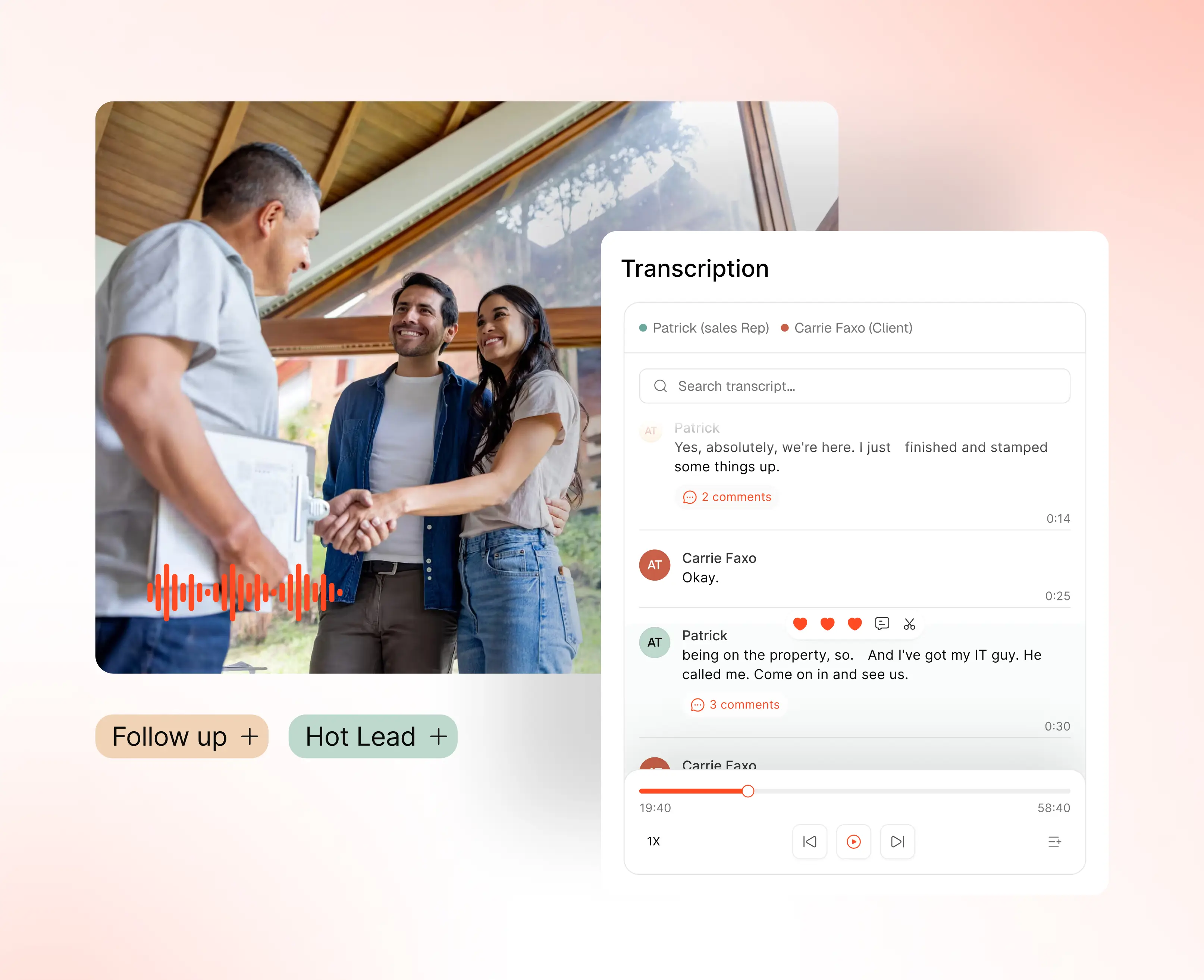
Drafting the perfect follow-up by hand takes 20, 30, 40 hours. RoofPlan drafts it from the recording.
Placeholder footage. Swap this for a RoofPlan screen recording showing the draft, the review and the approved page.
See RoofPlan on your own jobs
We'll walk you through SalesAsk and show you how RoofPlan drafts a plan from a real appointment recording.
Book a demoWhat RoofPlan builds after the appointment
Five parts of the plan, drafted from the recording and reviewed by the rep before the homeowner sees anything.
What we heard, in the homeowner's own words
The plan opens with a recap of the conversation, so the homeowner sees you listened before they see a price.
- Drafted from the appointment recording, not from a template
- Questions the homeowner raised get a section of their own
Your roof, measured from aerial imagery
Roof area, roofing squares, predominant pitch and detected roof planes come from Google Solar imagery.
- Every measurement is labelled Estimated, confirm before ordering
- Findings carry a status chip: Needs attention, Healthy or Monitor
Scope and pricing, exactly as you discussed them
Selections, what is included in the roof system, and the pricing options you talked through on the visit.
- An animated model shows every layer of the roof system
- Photos sit next to the findings they belong to
Financing and weather, answered on the page
Sliders move the term and the down payment. NOAA data marks which days are workable and which are unlikely.
- An illustrative estimate only, not a quote or a loan offer
- Insurance uploads stay private and are kept for 30 days
Nudges and tracking for the whole team
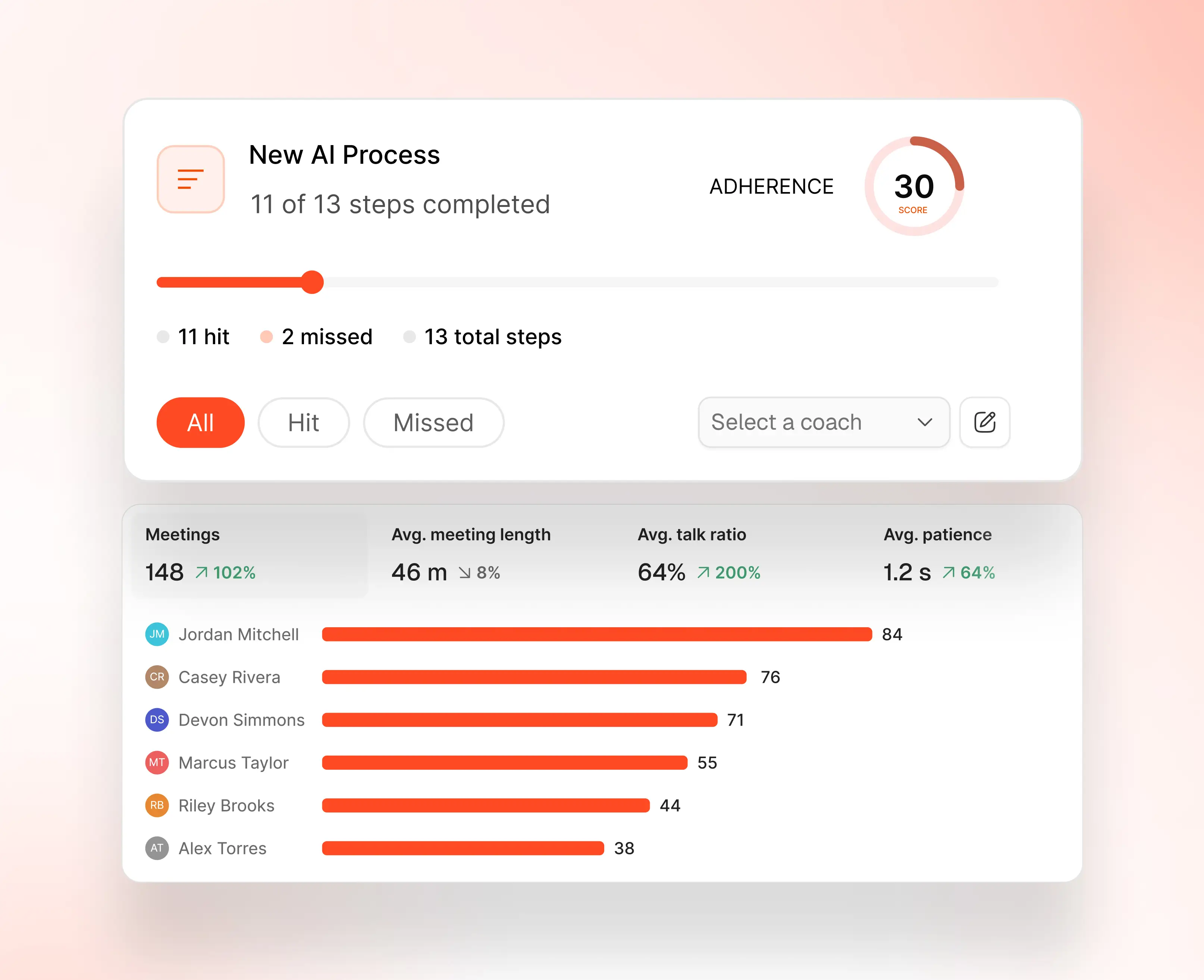
The dashboard shows active plans, buyer views, pipeline and how long each homeowner spent on their page.
- Copy the public link, or nudge the buyer once a day
- Every row shows owner, deal value, call length and views
The follow-up is the last thing a homeowner sees, and usually the thinnest thing you send.
Every appointment.

Gets a plan drafted from its own recording.
Every rep.

Reviews, corrects and approves in minutes.
Every homeowner.

Gets a page, not a PDF attachment.
What sales leaders say about SalesAsk
RoofPlan is new, so these are SalesAsk customers talking about the product it is built into.
“As a sales leader, one of the biggest challenges is coaching what you can't see.”
Sales Manager, General Air Conditioning & Plumbing
“It was difficult to help them if something went wrong in a meeting. I wasn't there. Their manager wasn't there.”
J.S. Brown & Co.
“I was completely blind when it came to training my team and building their skills.”
Owner, Kitchen Tune-Up East Seattle
Start closing more deals, without hiring more reps
See exactly what’s holding your team back and fix it fast.
.avif)