

SalesAsk + ServiceTitan integration
Every recorded sales conversation lands in ServiceTitan on its own. Summaries, action items, coaching scores, next steps. Connected in under five minutes, no developer.
Integrations
Salesask works with who you work with.



.avif)
.avif)
.avif)

.avif)




.avif)


.avif)

What syncs into ServiceTitan
SalesAsk starts syncing from the moment your rep records their first conversation. This is what lands in ServiceTitan without anyone typing it, built on the same sales automation and reporting your managers already read in the dashboard.
How a ServiceTitan job turns into coaching
Three things happen between the rep tapping record and the note landing on the ServiceTitan job, and none of them need a manager sitting in the truck. It is the same recording and scoring flow that powers team coaching everywhere else in SalesAsk.
Record from the phone the rep already carries
One tap before the appointment starts. There is no hardware to buy and no second device to carry, so a ServiceTitan job picks up a recording without changing how the rep works.
- Runs on the rep's own phone
- Nothing extra to buy, charge or carry
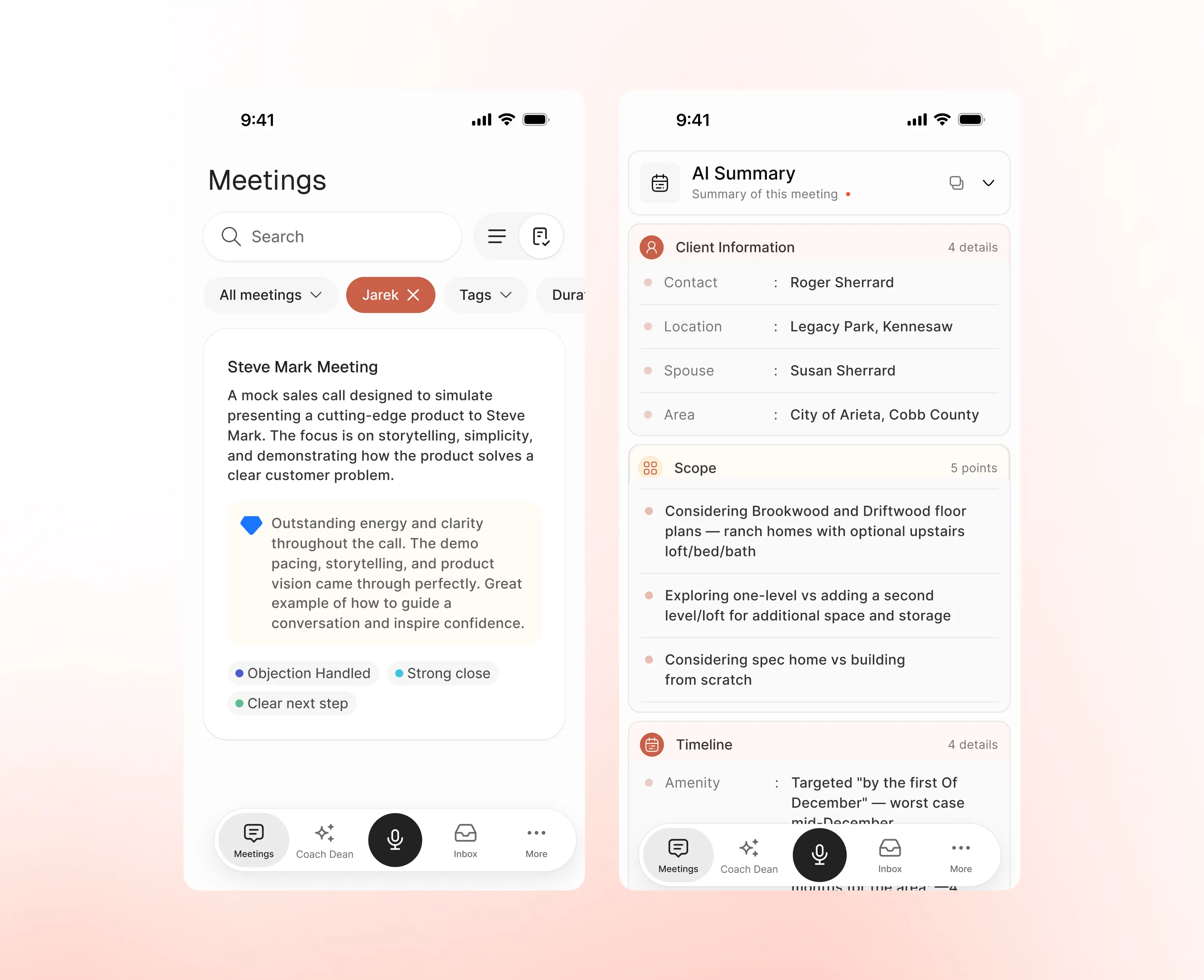
Every visit graded against your own steps
Steps hit and missed, talk ratio, patience and a score per rep. The visit is graded against the sales playbook you already teach, not a generic template, so the number means something to your team.
- Scored on your own sales steps
- Rep by rep scorecards and trends
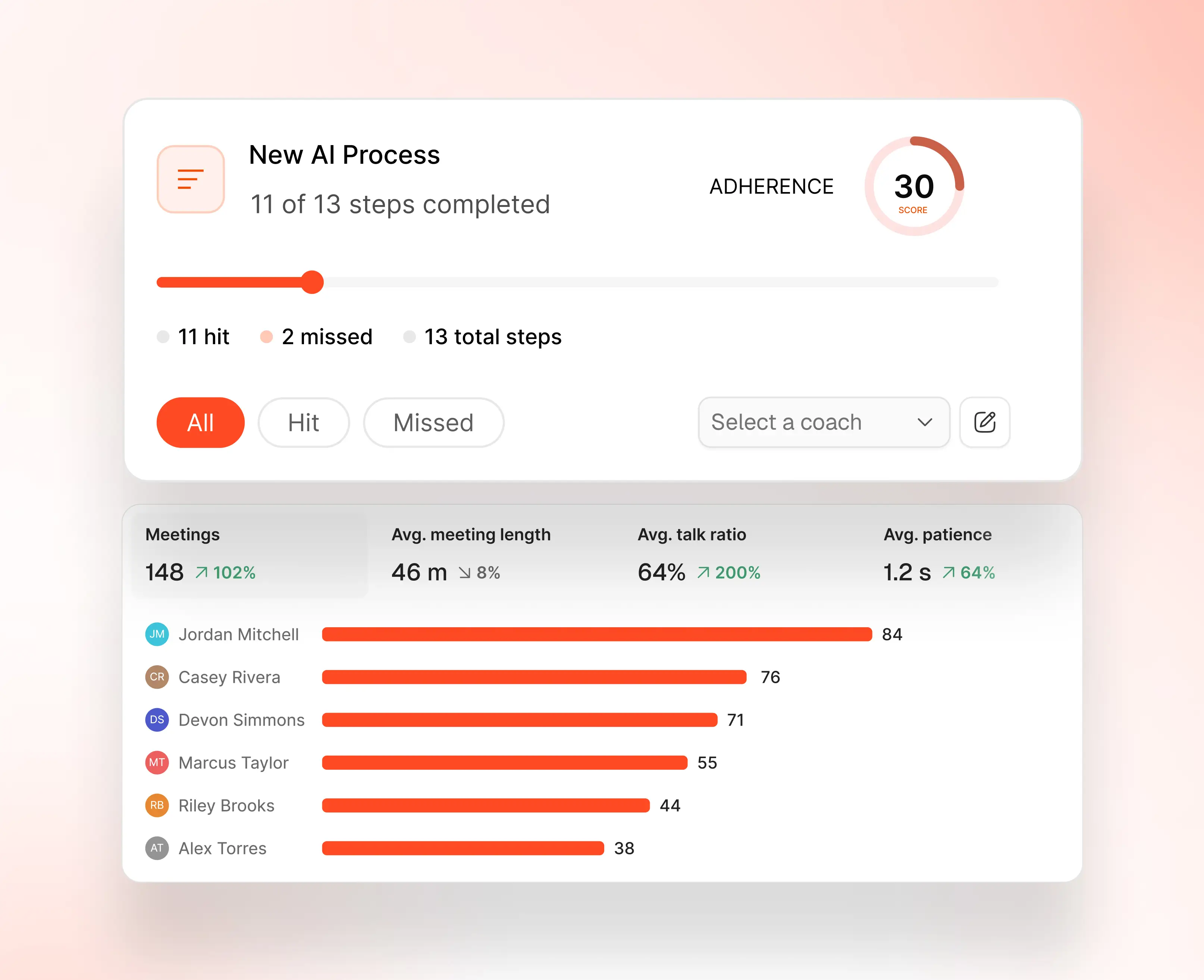
Coaching written before the rep leaves the driveway
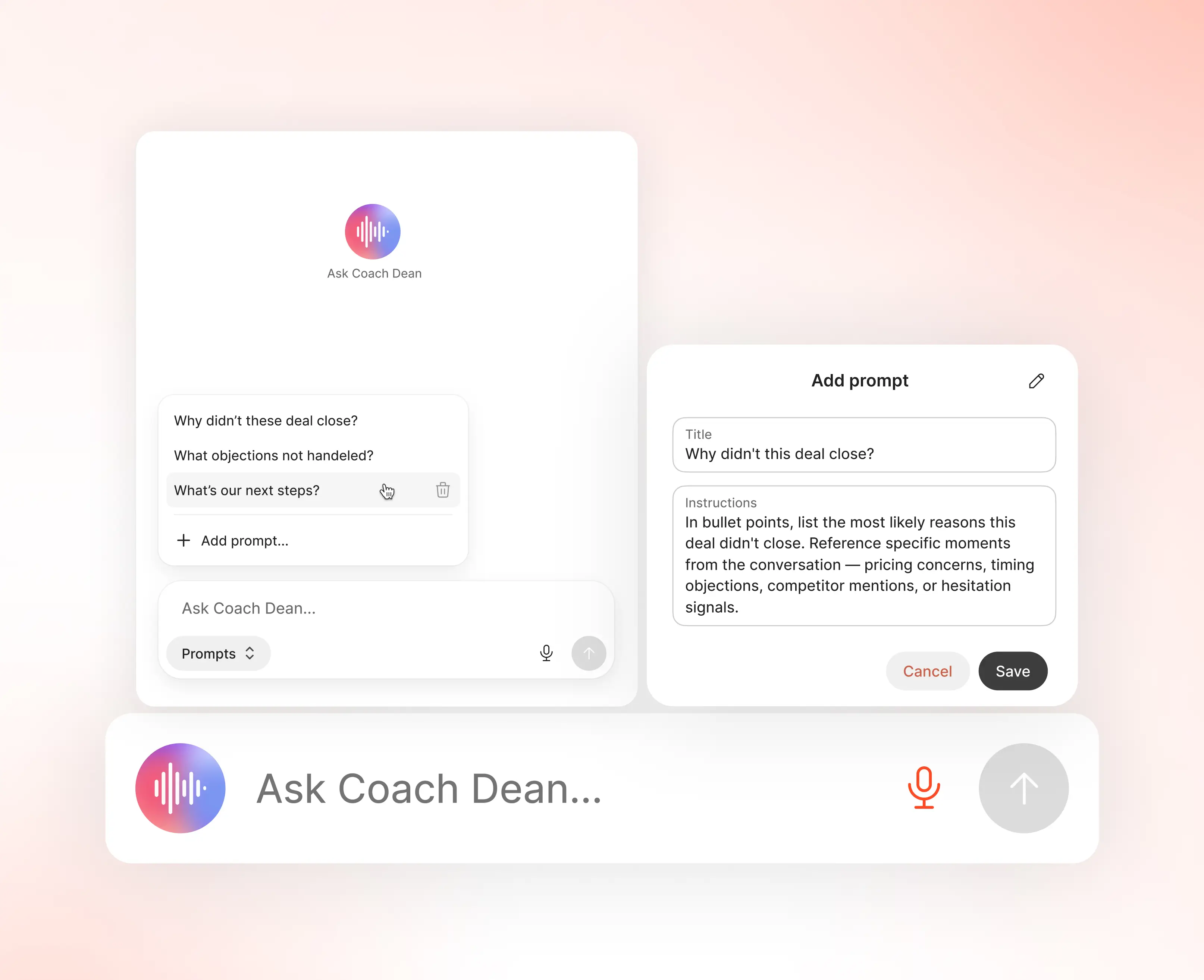
Coach Dean reads the conversation and writes the feedback. Managers get it in seconds instead of sitting through the recording, and the summary and next steps land on the ServiceTitan job on their own.
- Feedback in seconds, not after a ridealong
- Summary and next steps written back
Who the ServiceTitan integration is for
SalesAsk is built for home builders, home services and home improvement companies. These are the teams who get the most out of connecting ServiceTitan.
HVAC, plumbing and roofing contractors
The trades SalesAsk was built for. Coach every tech on every in-home service visit, from the furnace inspection to the kitchen-table replace quote.
Owners and operators
Coaching data sits next to your job and revenue data. Finally, real visibility across the whole floor.
Sales managers
Five-minute virtual ridealongs instead of five-hour ones, with rep scorecards readable from the SalesAsk dashboard or from inside ServiceTitan.
How to connect ServiceTitan
Connected in 3 steps. No IT team required.
Connect your stack
Pick ServiceTitan from the integrations menu. Sign in with the credentials you already use. Under five minutes, no developer.
Data flows automatically
Your rep records the visit. Summaries, action items, coaching scores and next steps sync to ServiceTitan automatically.
Coach from your dashboard
Read scorecards and trends in the SalesAsk dashboard, or inside ServiceTitan. No platform switching.
Before you connect ServiceTitan
Connecting takes under five minutes, so most of the decision happens before you click anything.
SalesAsk connects to more than ServiceTitan, so it is worth seeing the whole picture first. The full integrations list shows every CRM and field service platform we connect to, and the comparison page sets SalesAsk against the other AI sales coaching tools buyers usually look at. If you run HVAC, plumbing or roofing crews, there is a page on what coaching looks like in your trade. When you are ready to see it running against your own sales process, book a demo.
Start closing more deals, without hiring more reps
See exactly what’s holding your team back and fix it fast.
.avif)