Every answer about your sales team, without digging through recordings.
Adherence, close rate and rep by rep performance roll up to the whole org and tie back to the jobs and revenue in your CRM.
- Adherence scored on your own sales steps
- Rep, team and org views from one dataset
- Tied back to the jobs and revenue in your CRM

What the reporting answers for a sales manager
Five views built from the same scored data, from one rep up to the whole company.
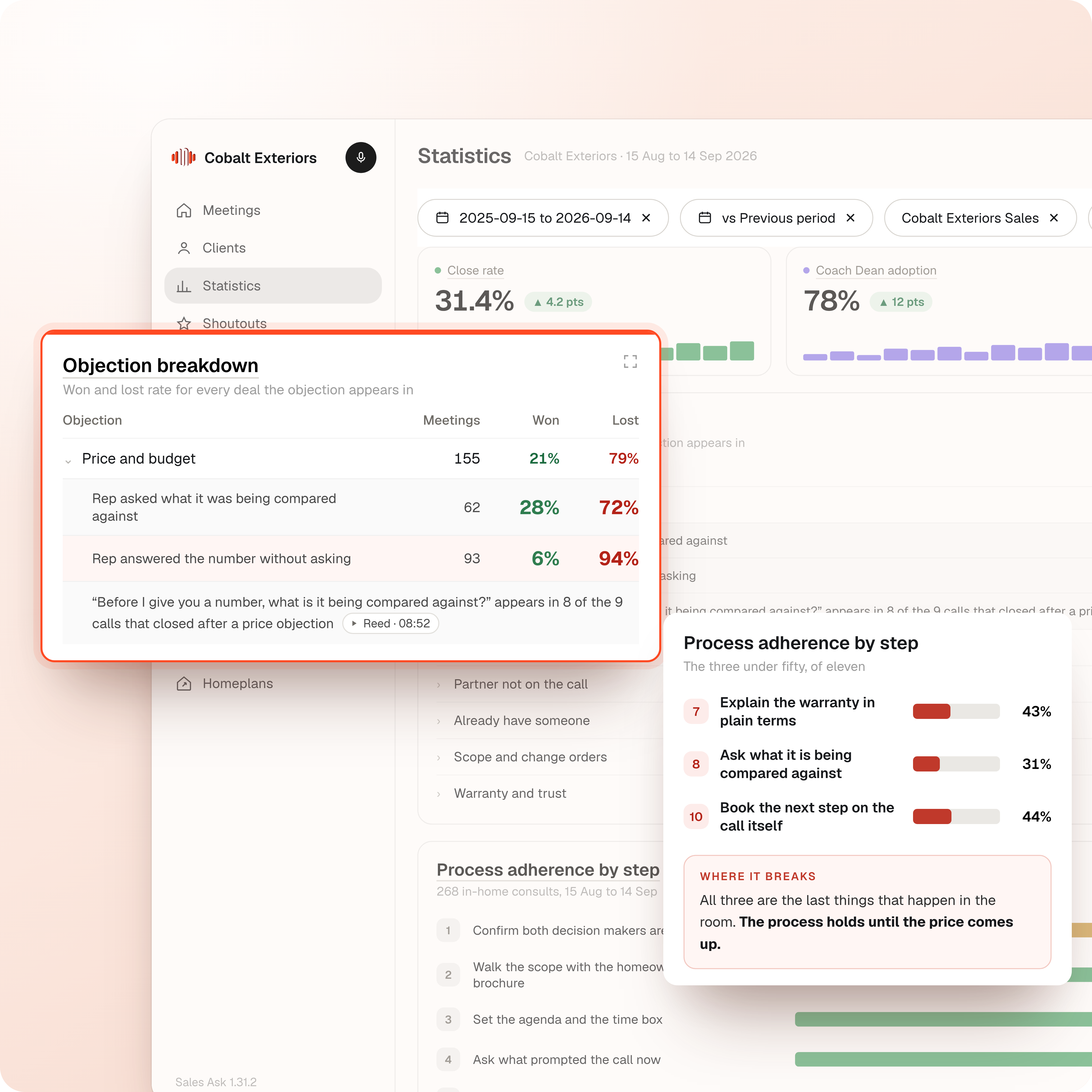
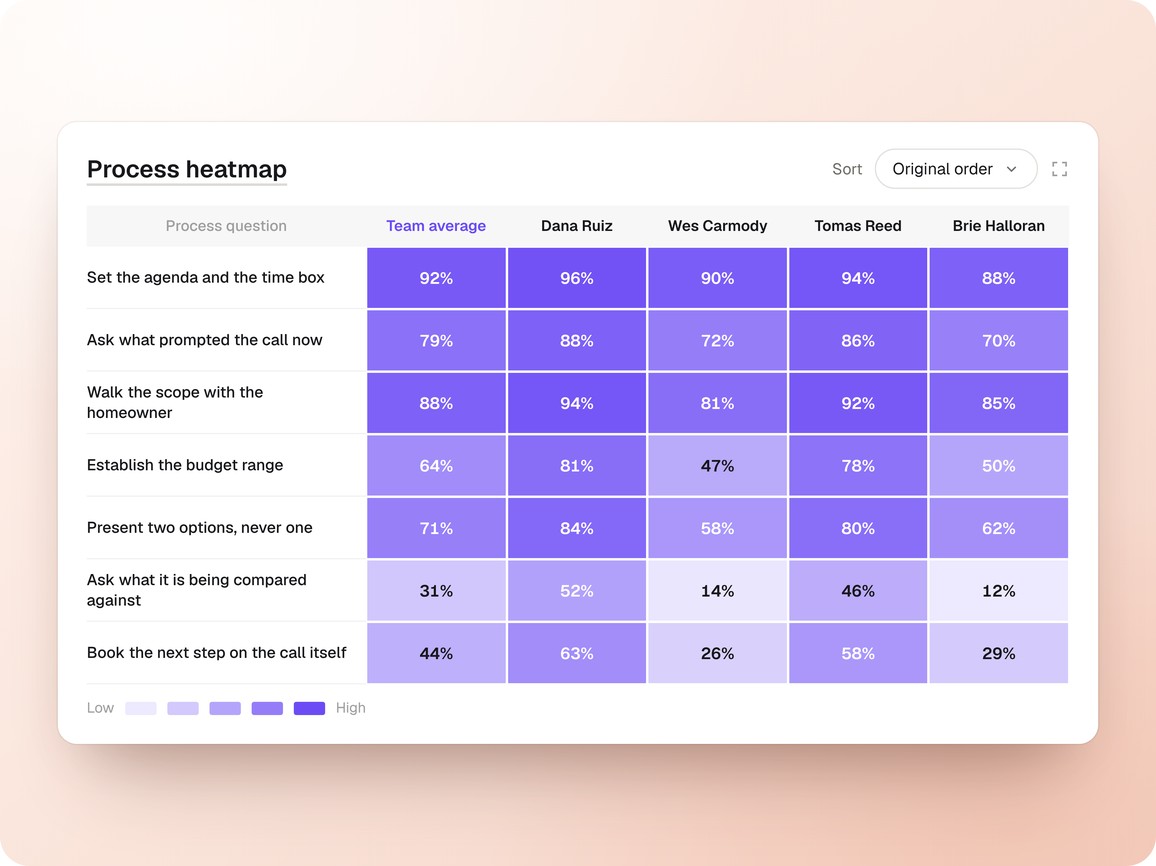
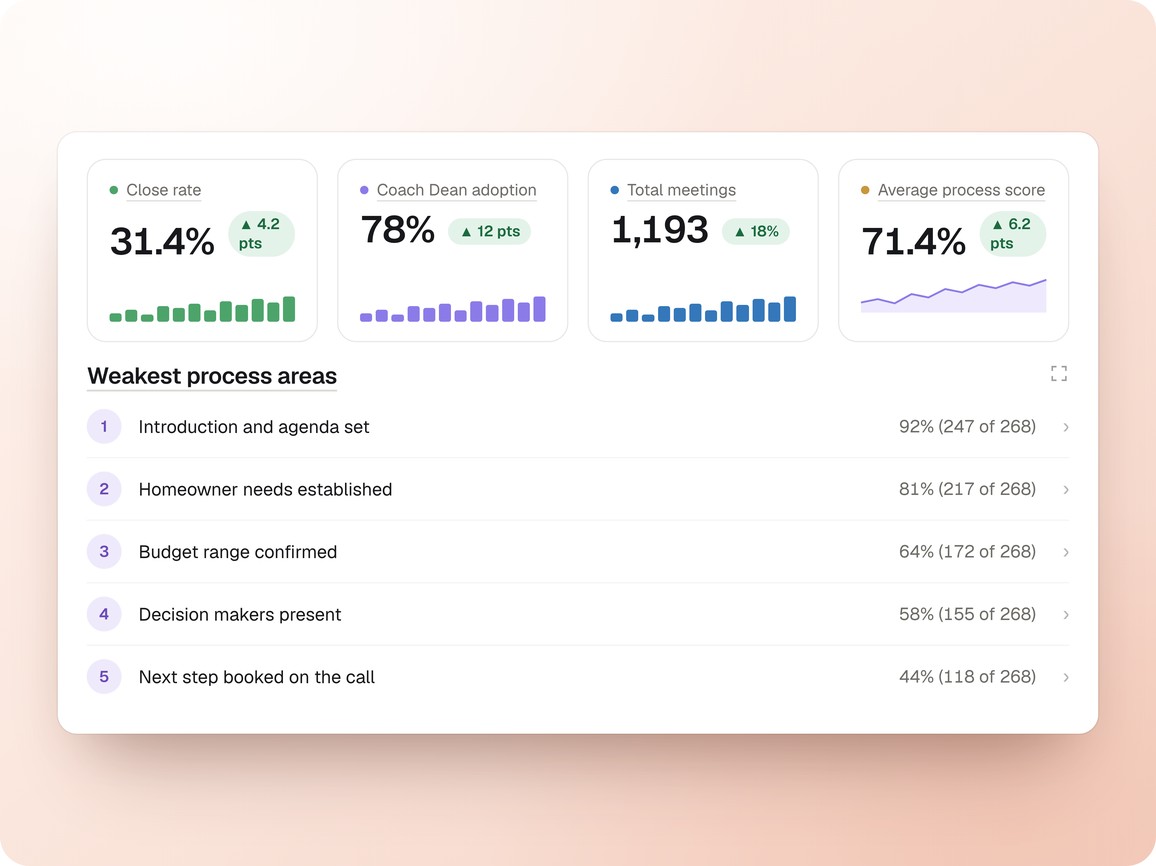
Every appointment is scored against your own sales process, so adherence is a number a manager can act on.
- Step by step hit and miss
- Scored on your own sales steps
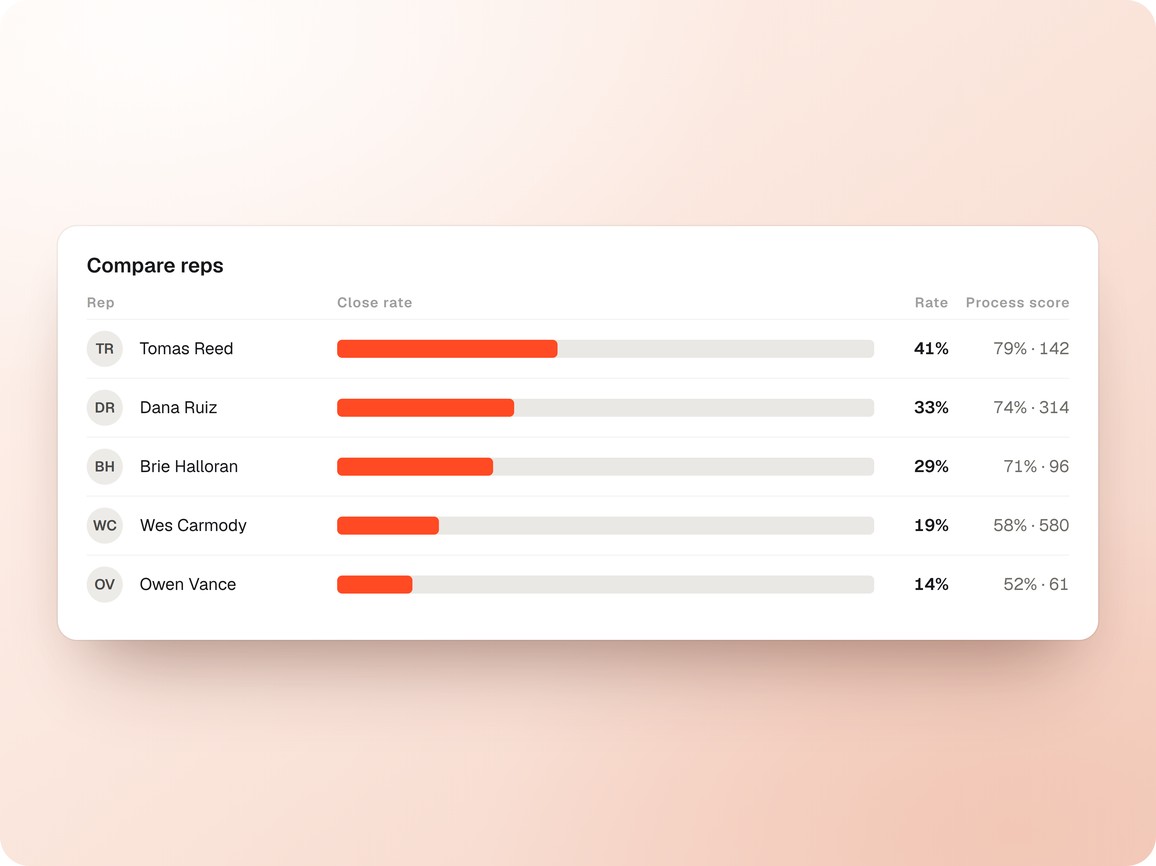
See who follows the process, who closes, and where the gap between those two sits for each rep.
- Ranked on adherence and close rate
- Open any rep from the list
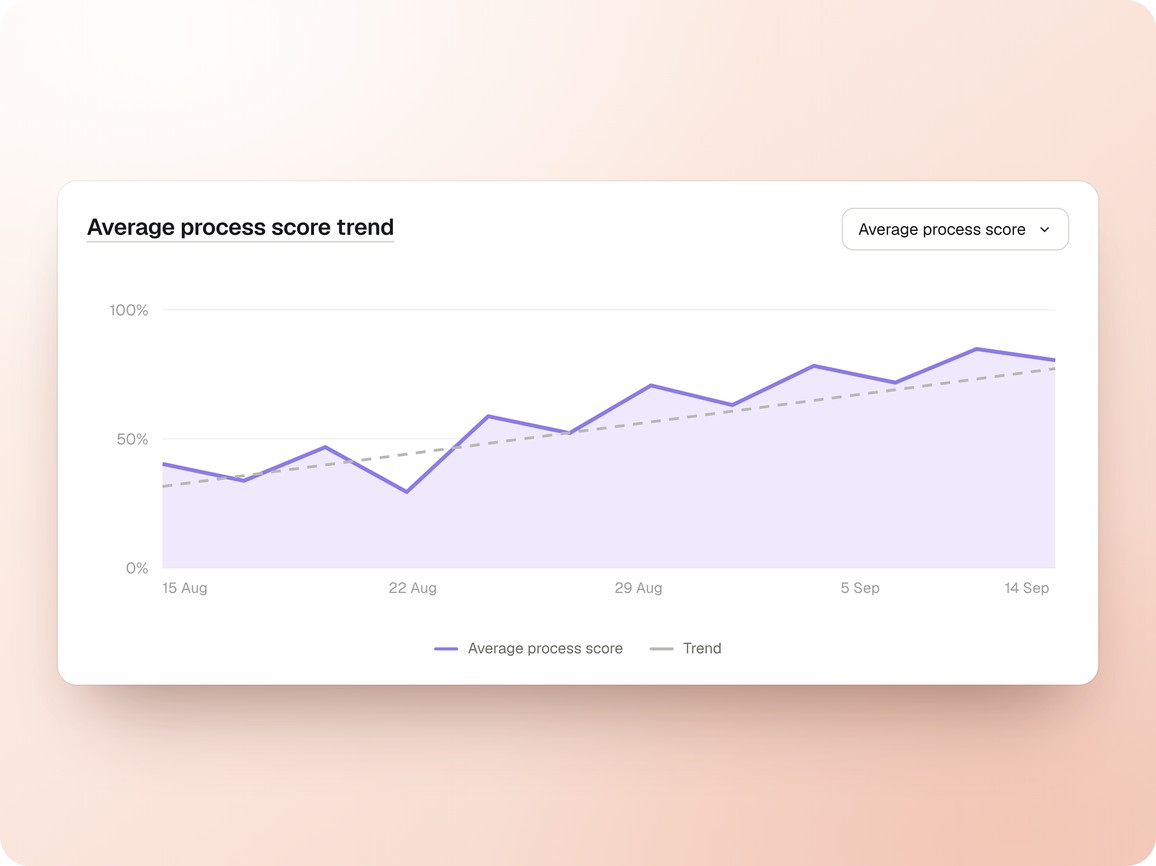
Watch adherence and close rate move over time, so you can tell whether a coaching push actually changed anything.
- Trends by team and by step
- Before and after a coaching push
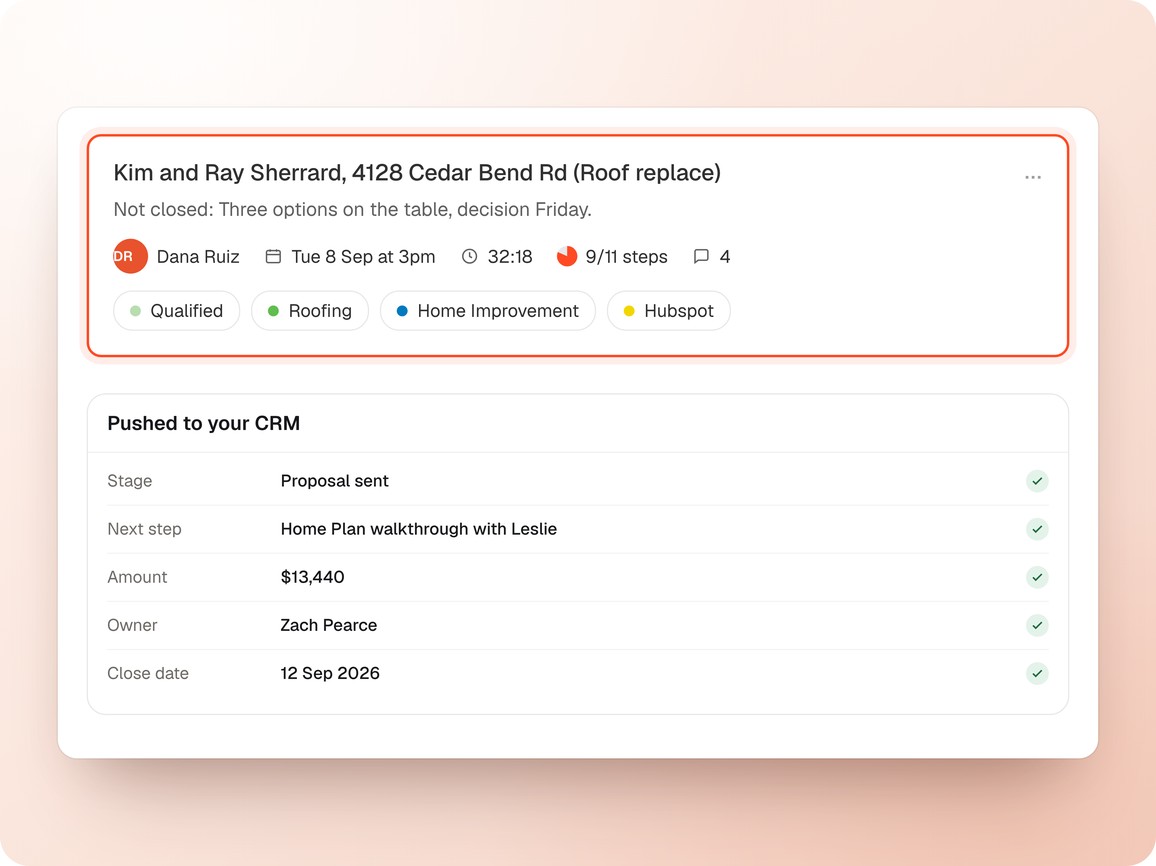
Scores sit next to the jobs and revenue already recorded in ServiceTitan, Jobber, Housecall Pro, Salesforce and HubSpot.
- ServiceTitan, Jobber, Housecall Pro
- Salesforce, HubSpot, Builder Prime
Adherence, close rate and rep performance in one view, so the answer arrives without opening a single recording.
- One view for rep, team and org
- Answers first, recordings only if needed
The people who use SalesAsk,
in their own words.
Owners, presidents and sales managers across home services, remodeling and home building.
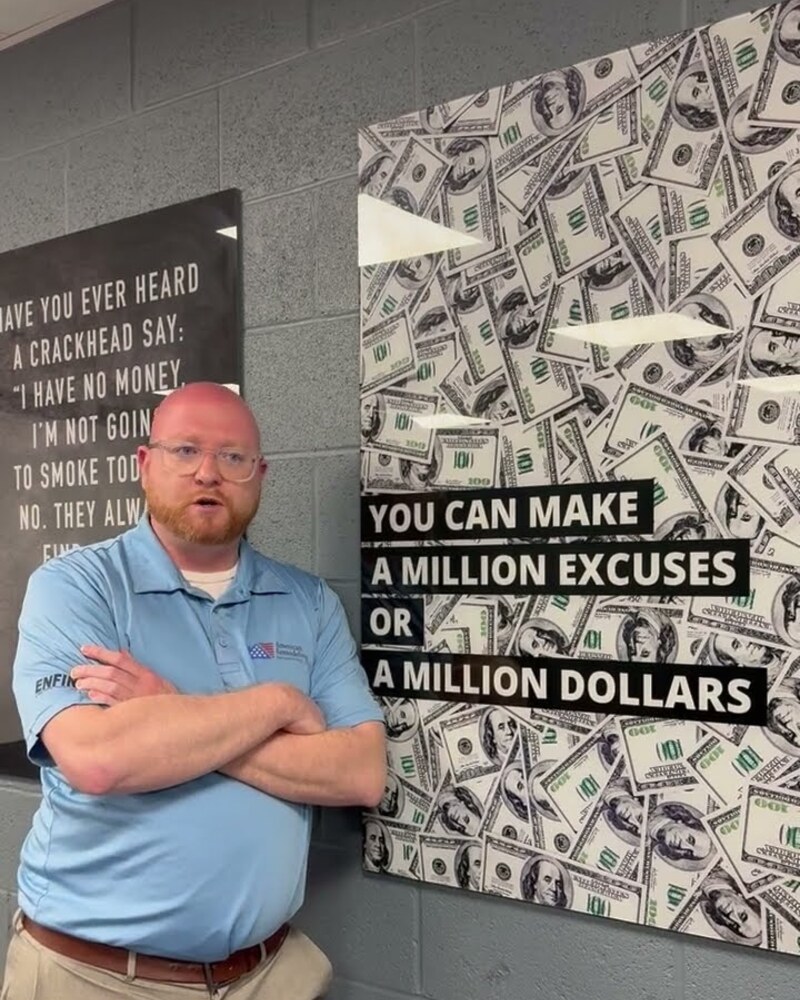
“A huge increase in closing percentages. A huge increase in retention. The whole business is better.”
Ian Foltz
Vice President, American Remodelers
How Boa Builders Trades Sales "Guesswork" for AI Precision

Wendi Gechter
Owner, Boa Builders
“I was completely blind when it came to training my team and building their skills.”
William Wright
Owner, Kitchen Tune-Up East Seattle
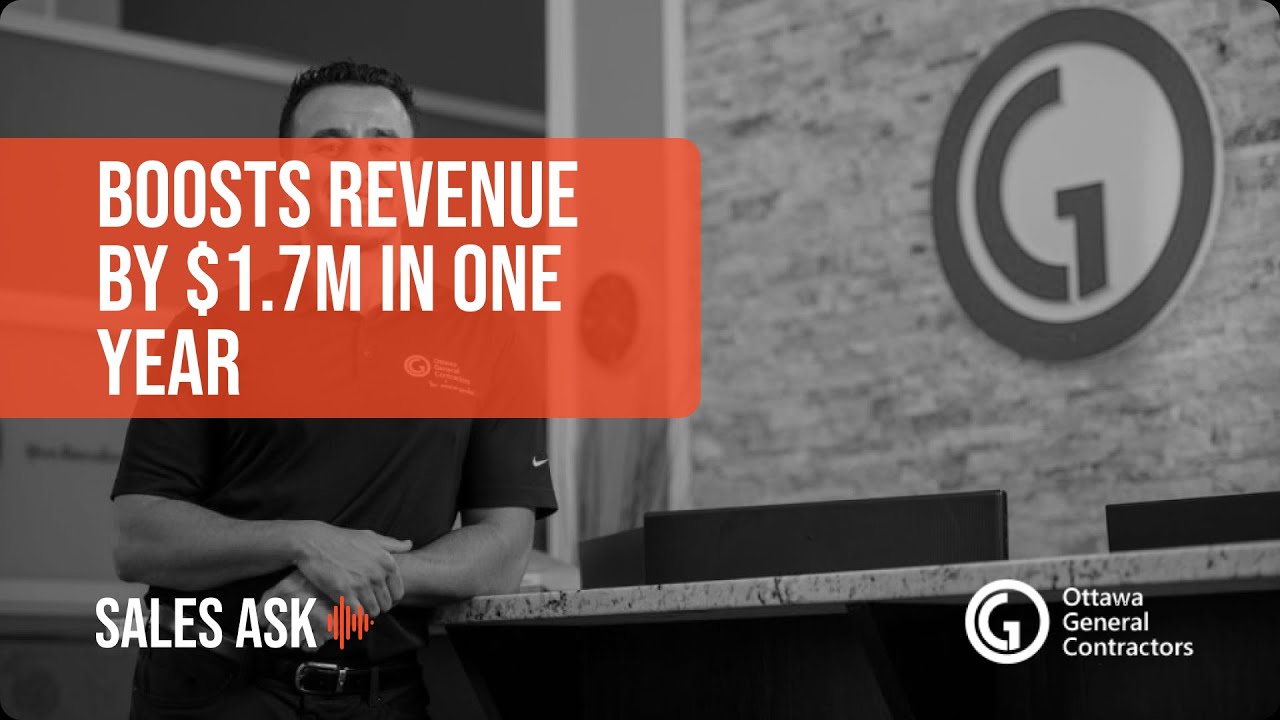
“Being able to pinpoint the exact moments where reps were losing deals was a game-changer. We replicated our top performer’s closing techniques on home additions and saw immediate improvement.”
Nick Karrandjas
Sales Lead, Ottawa General Contractors
How OGC speeds up material selections with SalesAsk
Athena
Material Selection Coordinator, Ottawa General Contractors
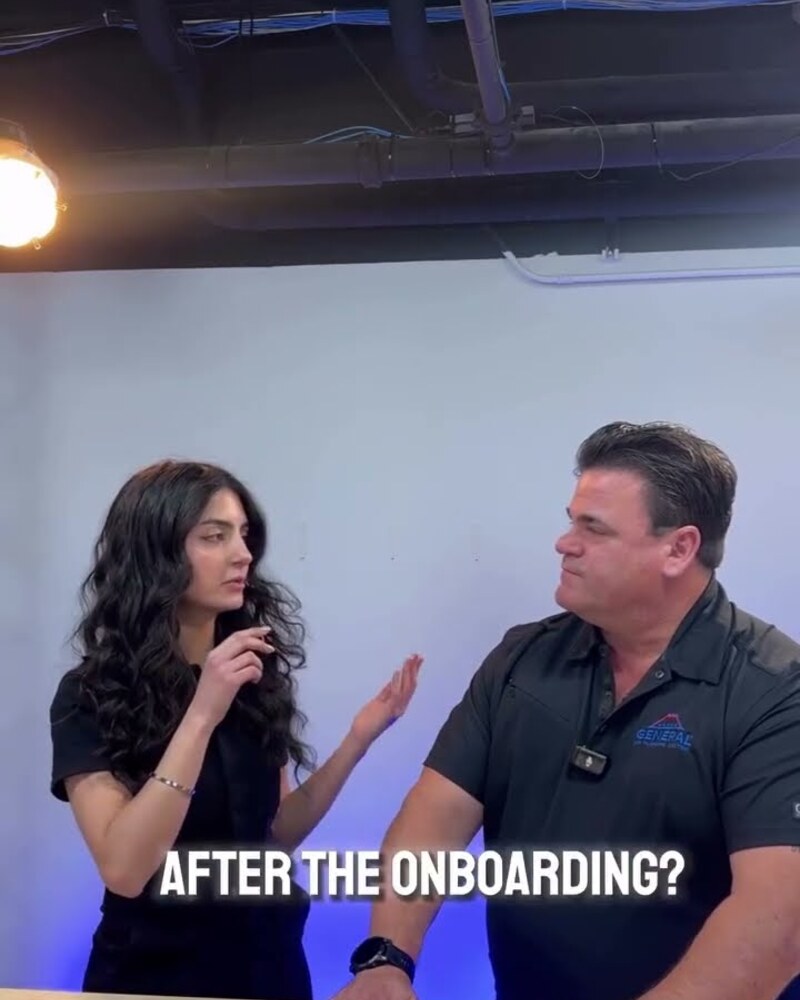
“The ability to help our techs level up is what makes SalesAsk amazing. It’s essentially a coach in their pocket, providing live feedback that I’ve seen work in real-time.”
Patrick Somers
Owner/Operator, Call The General
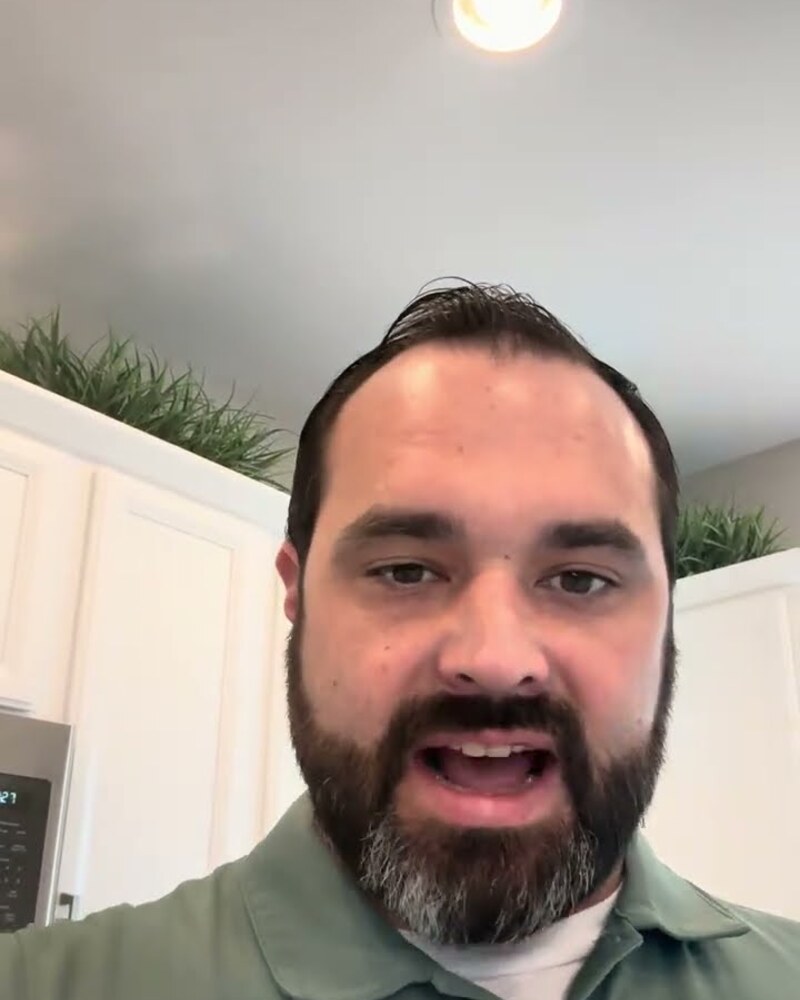
How Taylor Morrison Lifted Conversions with SalesAsk.
Austin Lanford
Sales Manager, Taylor Morrison
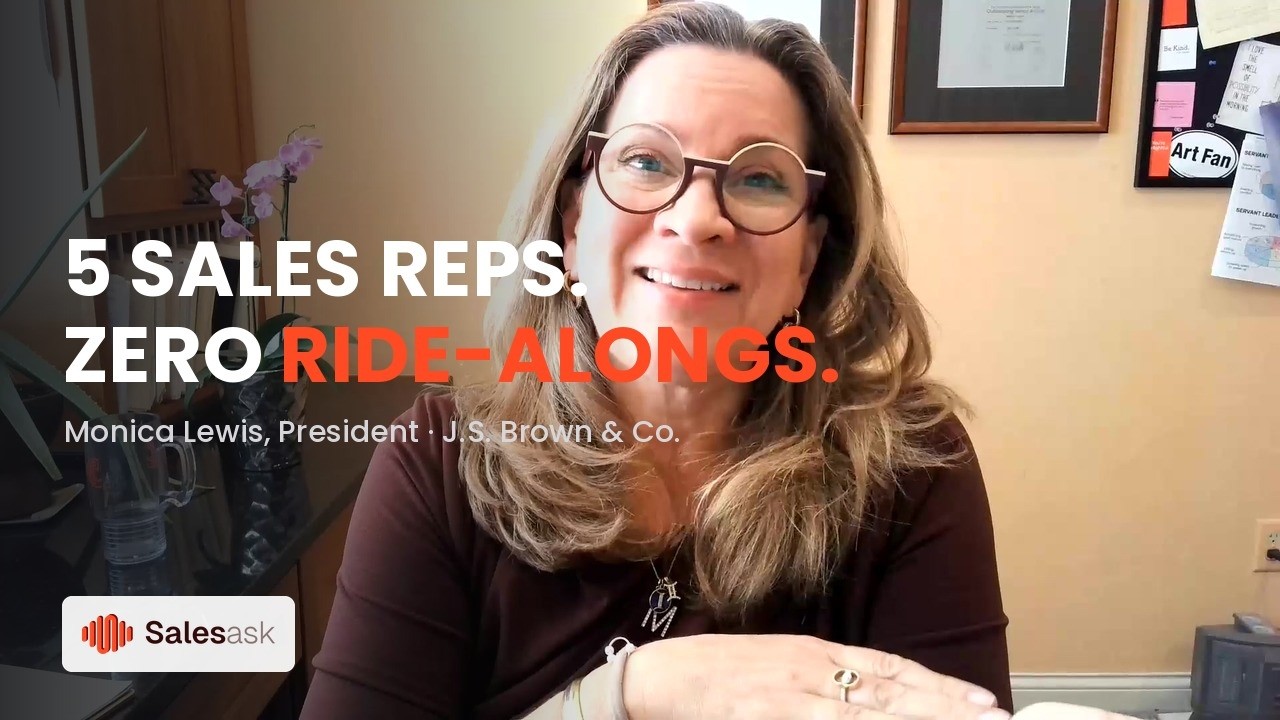
“That third-party coaching they’re getting is really making a difference, helping them refine their approach and refine their presentation skills without needing to pull in myself or their direct manager quite so often.”
Monica Lewis
President, J.S. Brown & Co.
“It has allowed us to develop our people faster, hold them accountable, and deliver a better experience for our customers.”
Micah Hébert
Sales Manager, General Air Conditioning & Plumbing

“Sales Ask helped grow our average ticket from $17K to $27K. It showed us how to sell the transformation and value of a Parliament Kitchen, not just the product itself.”
Chris McClelland
Owner, Parliament Kitchens

From unrecorded meetings to clear coaching with SalesAsk
Albert Ornelas
Sales Rep, Ulrich Lifestyle

“It allows me to focus on growing other parts of my business while knowing exactly how my sales team is performing.”
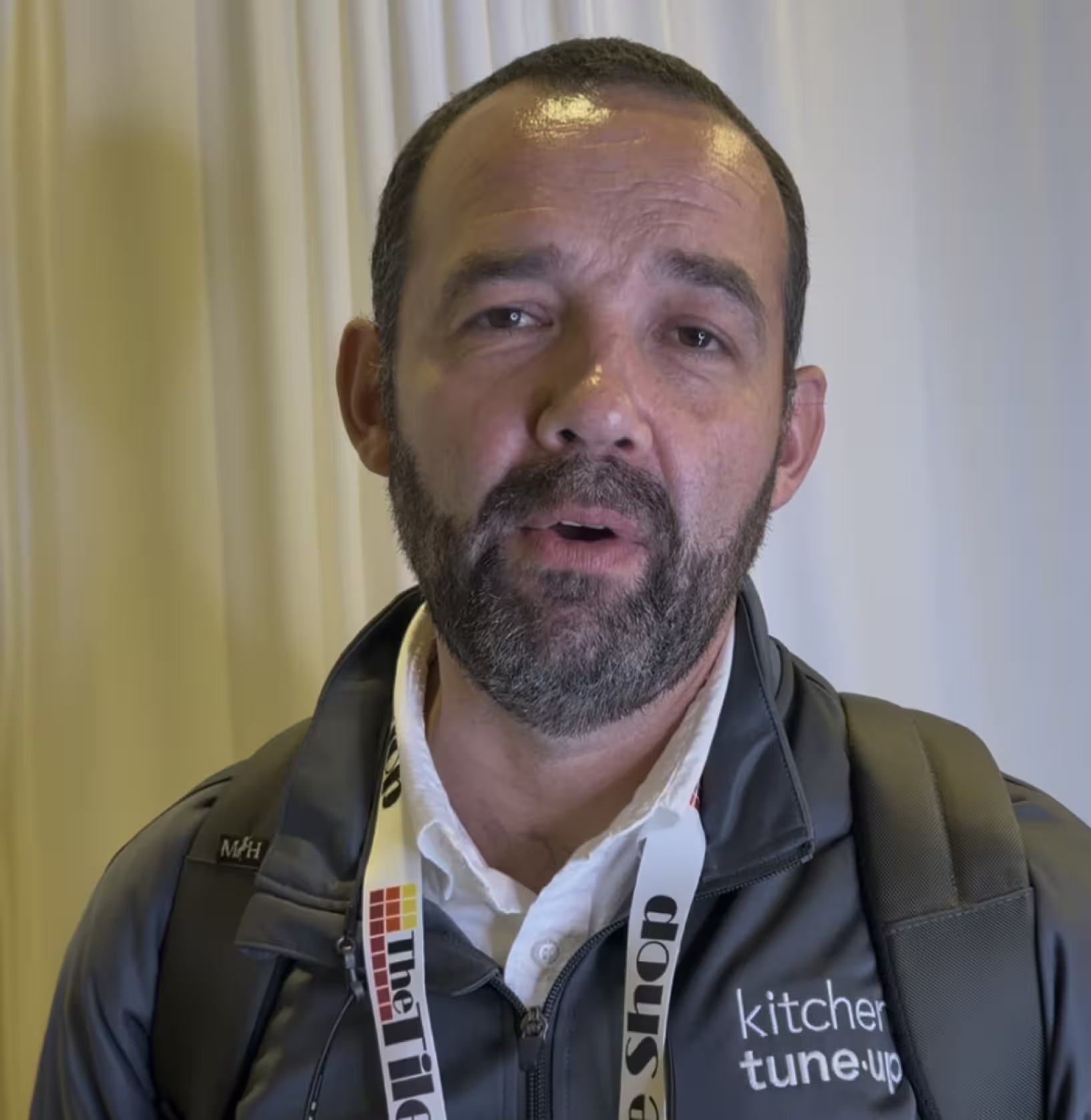
Jorge Valencia
Owner of Kitchen Tune-Up Beach, NY


Ready to convert
every conversation?
See exactly what’s holding your team back and fix it fast.
.avif)