




What syncs
Six things happen in Lasso without anyone typing them.
It starts with the first visit a rep records.
- Visit noteThe summary is added as a Note on the matched Registrant.
- Recording linkEach note links back to the recording it came from.
- Process adherenceHow the conversation tracked against your own sales process.
- Action itemsEvery follow-up from the conversation, listed in the note.
- Walk-in RegistrantsA rep adds a walk-in from the app and it appears in Lasso straight away.
- AppointmentsReps see their Lasso project appointments inside SalesAsk.
How it works
Three steps, from API key to first note.
Get your Lasso Pro API key
Ask your Lasso account manager for a Pro API key for each community you want to connect. A regular API key will not work, so request it early.
Connect Lasso in SalesAsk
Go to Settings, then Integrations, search for Lasso and paste the key. Use one key for all teams, or a named key for each community.
The rep records the visit
SalesAsk matches the conversation to the Registrant and adds the note once the recording is processed. Each rep is matched by their email in Lasso.
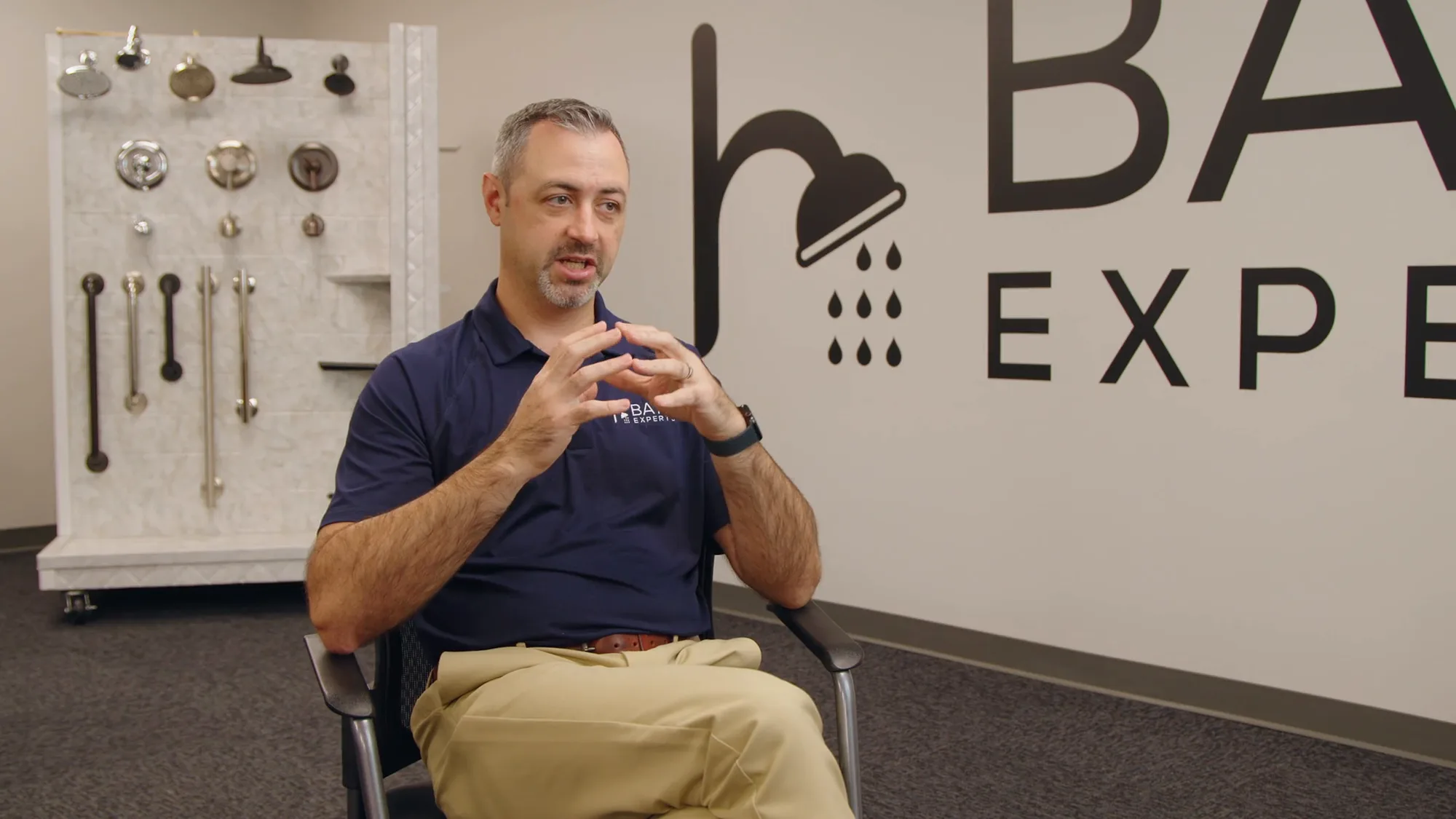

“Really what's changed in the business is the clarity. We are no longer guessing and hypothesizing about what is missing.”


“It's great to see that percentage go up and know that they're confidently presenting what needs to be talked about: the process, our company, all of that.”
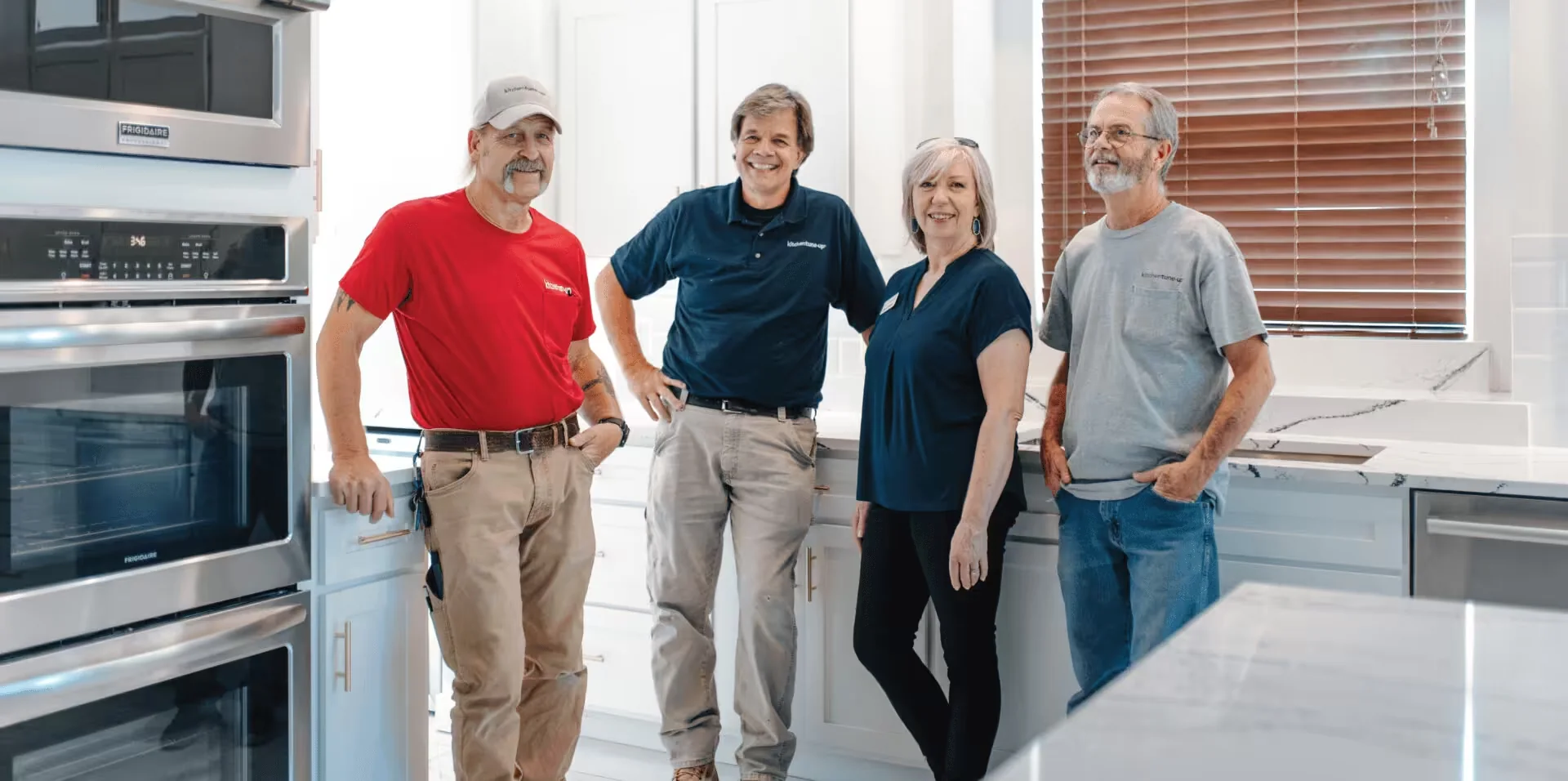
“I was completely blind when it came to training my team and building their skills.”
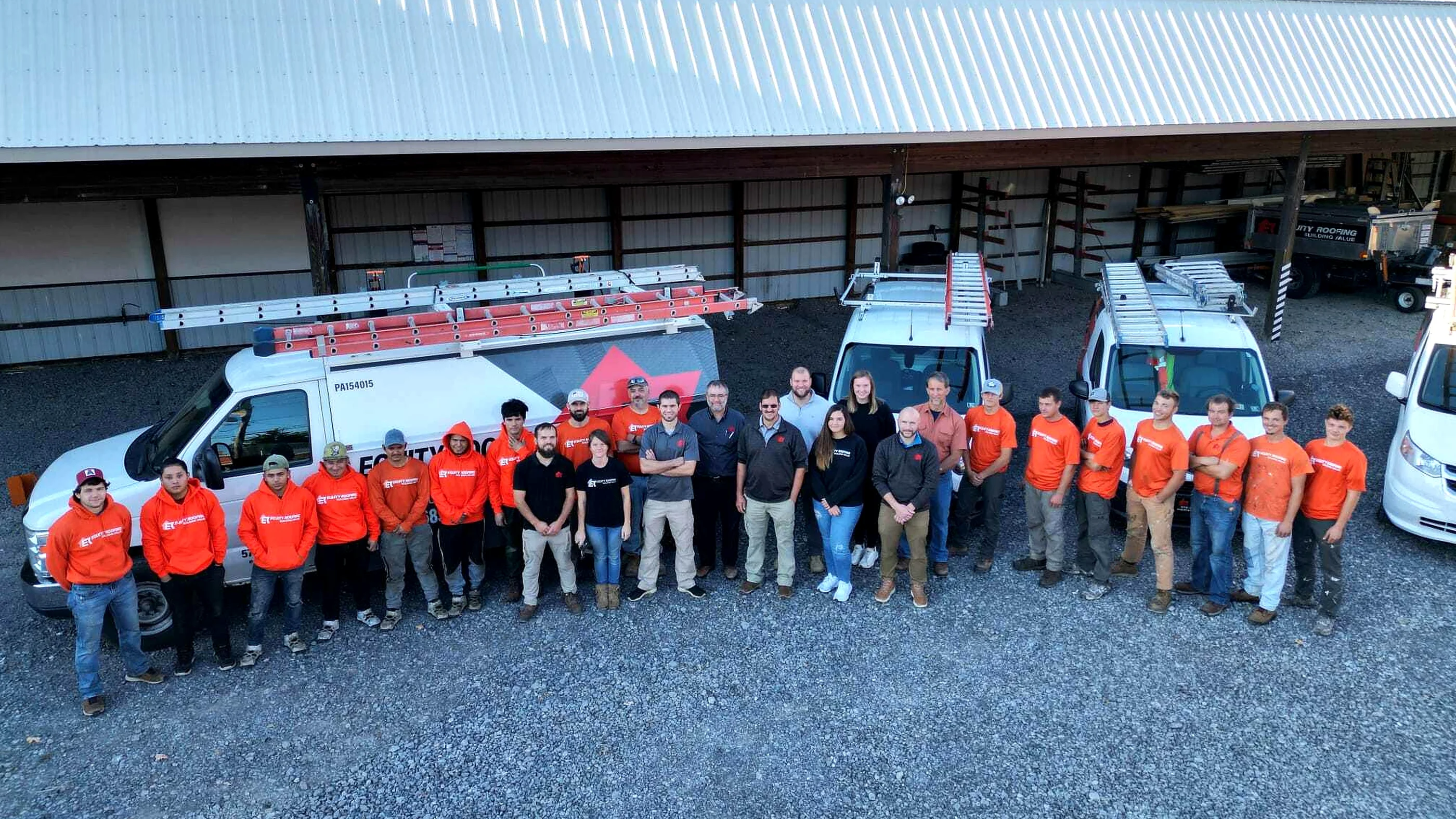

“My sales guys are even coaching themselves with Coach Dean.”


“A huge increase in closing percentages. A huge increase in retention. The whole business is better.”
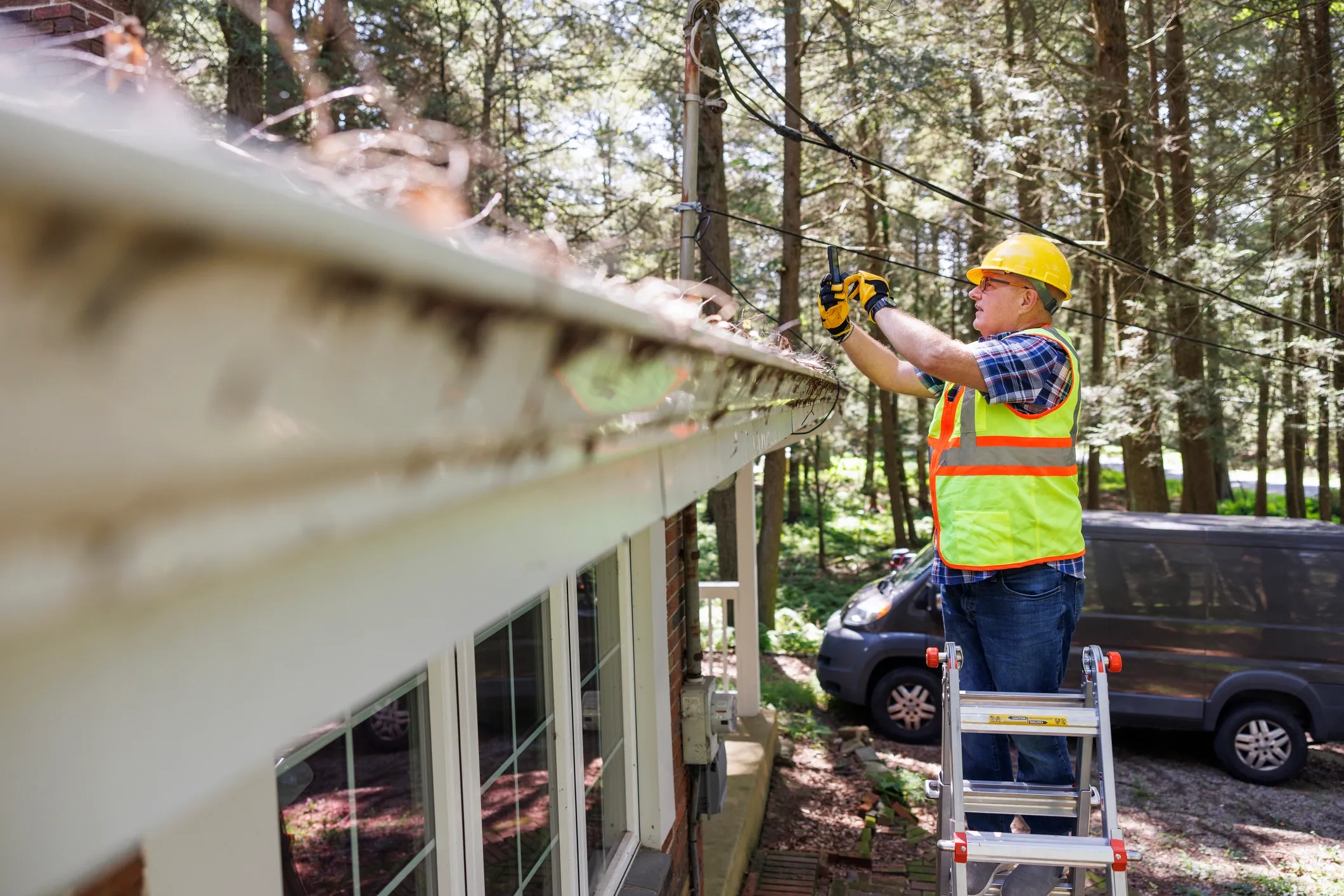

“What SalesAsk has done is pull out the steps that should have happened, highlight areas we can improve, and give us real-time feedback we can actually act on.”

“It's like having my sales manager on every call.”

“100% accuracy and speed. I can input data into SalesAsk and get a response in an hour, which keeps our projects moving.”


“SalesAsk helped grow our average ticket from $17K to $27K. It showed us how to sell the transformation and value of a Parliament Kitchen, not just the product itself.”


“I 100% recommend it to anyone that wants their technicians to sell more.”

“It helps break things down and catch things that you might have missed. It really opens your eyes to opportunities and more things that you can improve on.”
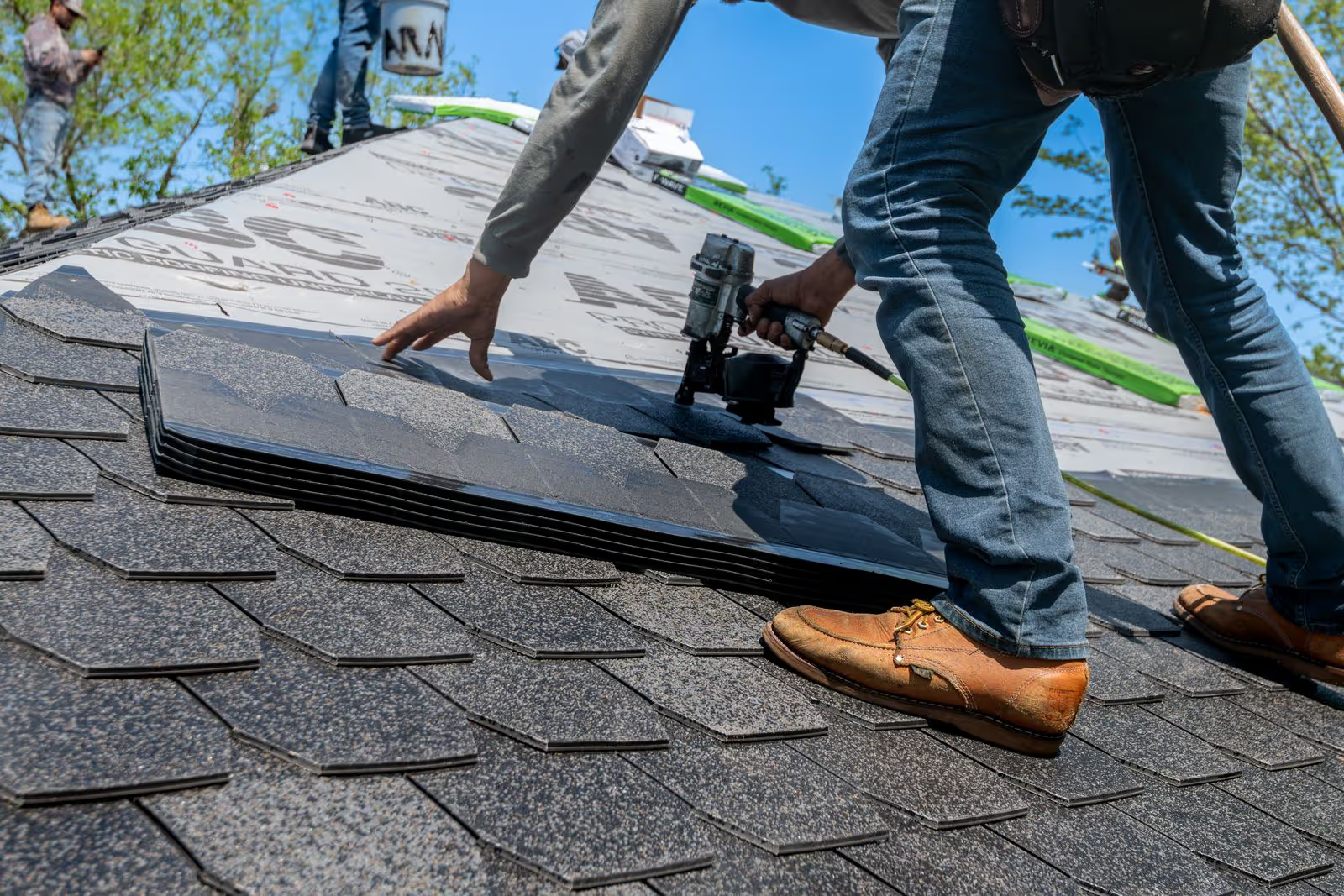

“It's very customizable. It accurately captures how well they're conforming to the Mr. Roofing way.”


“Being able to pinpoint the exact moments where reps were losing deals was a game-changer. We replicated our top performer’s closing techniques on home additions and saw immediate improvement.”
Setup guide
Step-by-step setup in our docs
How to connect Lasso, step by step. Written for whoever sets it up on your side.

Security and compliance
Built with trust, safety, and reliability at the core.
An independent auditor has checked how we protect your recordings, and HIPAA safeguards cover recordings that hold patient information. Your data is never sold and never used to train models for other companies, and consent tools cover all 50 states.


FAQ
Frequently asked questions
Yes. SalesAsk matches each recorded conversation to a Lasso Registrant and adds the summary as a Note. It also reads project appointments and lets reps create new Registrants.
A Lasso Pro API key for each community. Lasso issues these through your account manager, so request them before your setup date. A regular Lasso API key will not work.
Yes. After the recording is processed, SalesAsk adds a Note to the Registrant with the recording link, process adherence, notes and action items your settings include.
Yes. Add a named key for each community. SalesAsk reads Registrants and appointments from every community and writes each note back to the community the Registrant belongs to.