

SalesAsk + ServiceTitan Dialers integration
Phones Pro and Contact Center Pro are the phone system your CSRs answer on, wired into the same ServiceTitan account as your jobs. SalesAsk is the coaching layer that scores sales conversations against the sales steps you already teach. Here is what each side brings to a call coaching integration.
Integrations
SalesAsk works with who you work with.



.avif)
.avif)
.avif)

.avif)



.avif)


.avif)

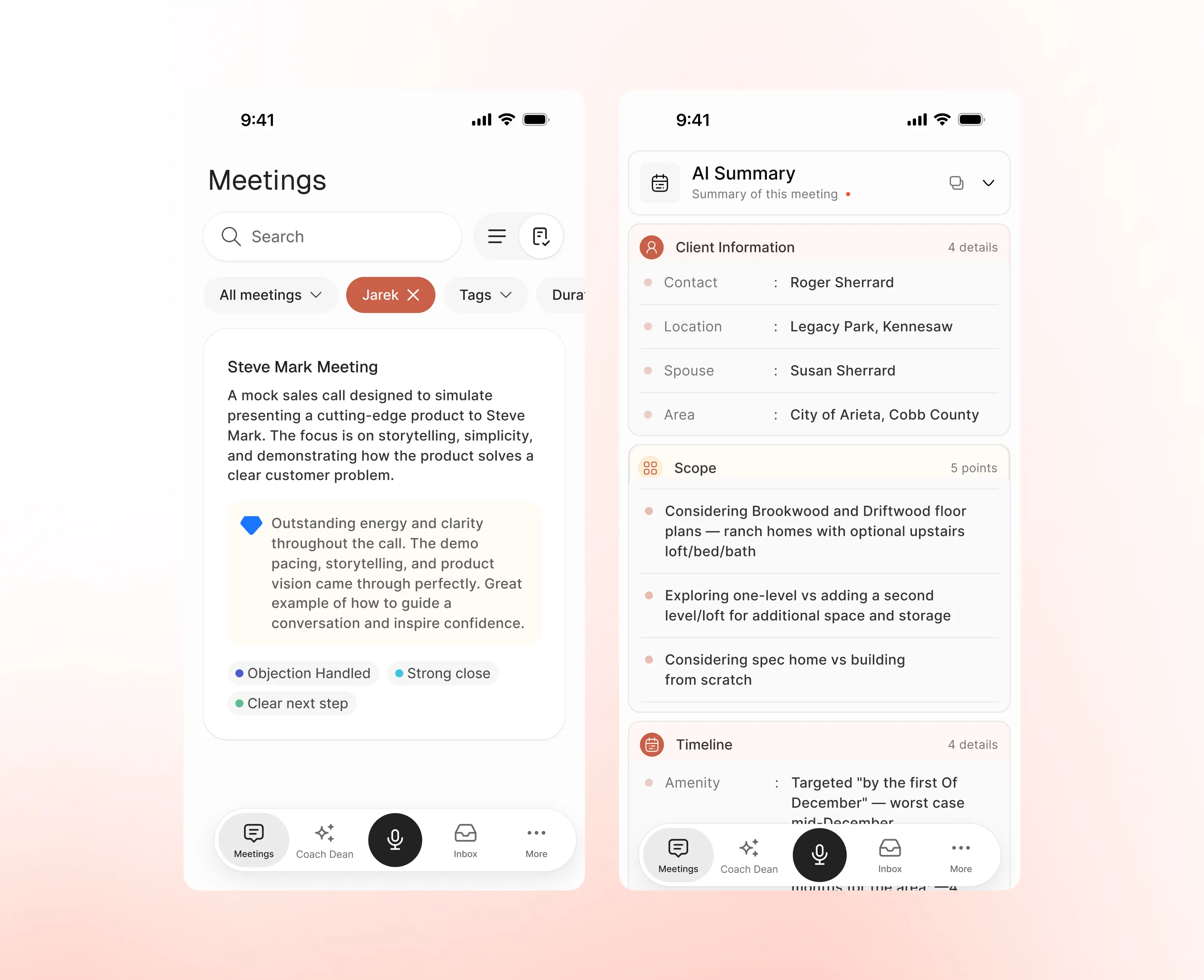
What SalesAsk produces from a sales conversation
ServiceTitan connects the call to the job. This is what SalesAsk writes about the conversation itself, and nobody types any of it.
How a ServiceTitan phone call becomes coaching
Coaching is the same three moves wherever the conversation happens: capture it, score it against your steps, then hand the rep something to work on. It is the same recording and scoring flow that powers team coaching everywhere else in SalesAsk.
Phones Pro already records and attaches the call
Phones Pro is a cloud phone system built into ServiceTitan, so inbound calls that route through your tracking numbers are recorded and connected to the job on the ServiceTitan side. Recording is switched on at office level and again on the contact center or department. That is the raw material any call coaching integration draws on. In the field, SalesAsk records from the phone the rep already carries.
- Calls connected to the ServiceTitan job
- Recording set at office and department level
Every conversation graded against your own steps
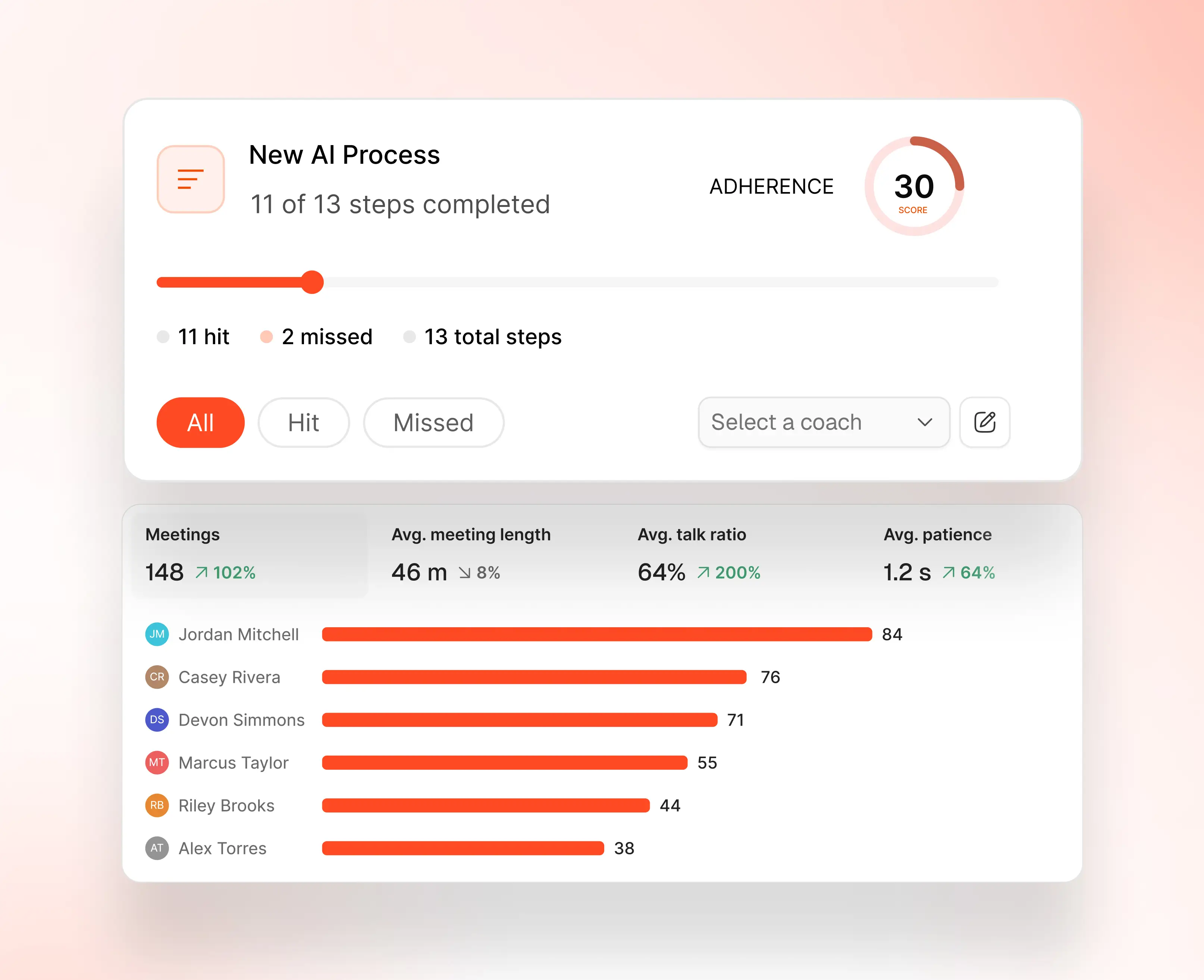
Steps hit and missed, talk ratio, patience and a score per rep. The conversation is graded against the sales playbook you already teach, not a generic template, so the number means something to your team.
- Scored on your own sales steps
- Rep by rep scorecards and trends
Coaching written before the next call starts
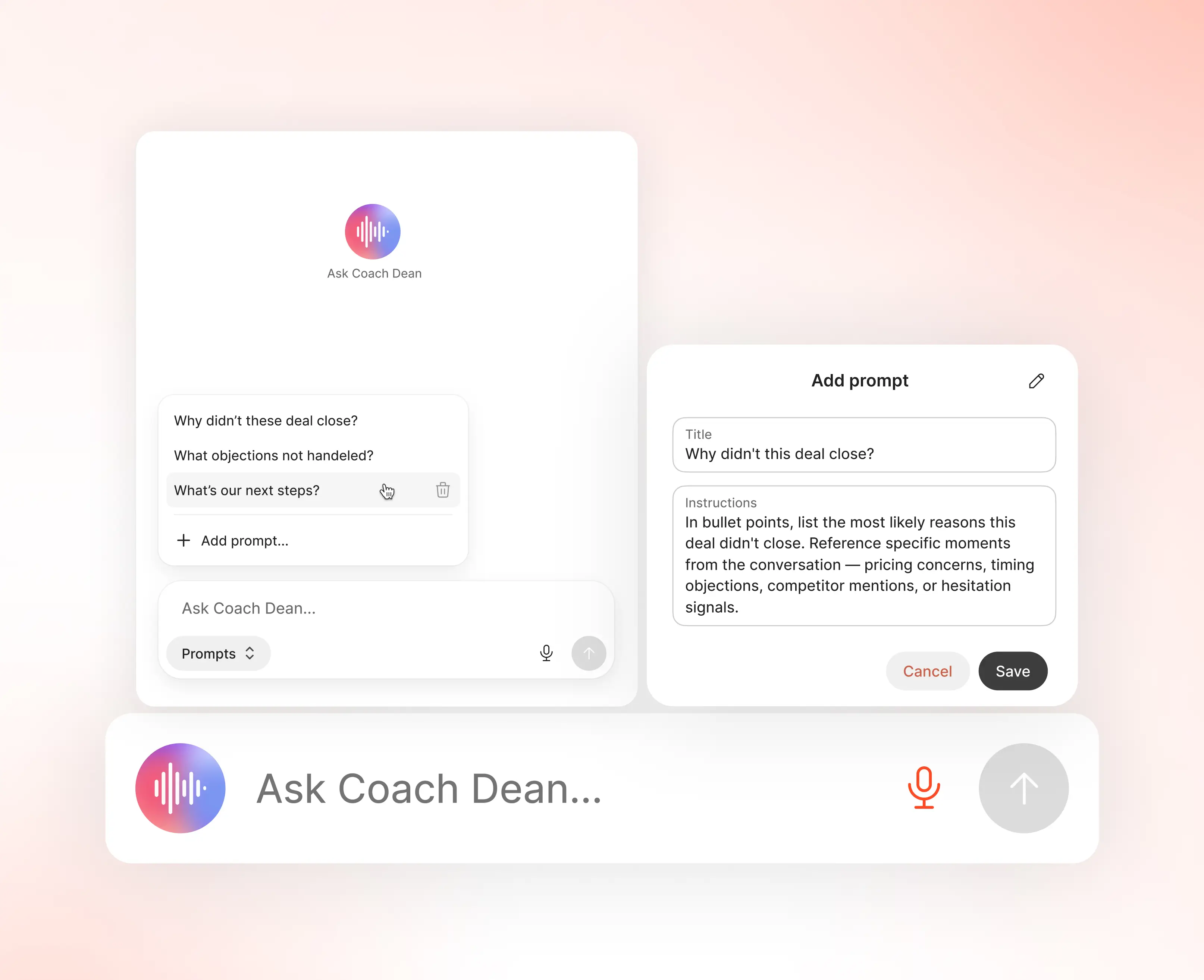
Coach Dean reads the conversation and writes the feedback. Managers get it in seconds instead of sitting through the recording, and the rep gets a summary, the action items and a drafted follow-up.
- Feedback in seconds, not after a ridealong
- Summary, action items and next steps written
Who the ServiceTitan Dialers integration is for
SalesAsk is built for home builders, home services and home improvement companies. These are the teams who get the most out of pairing ServiceTitan's phone products with coaching.
CSRs and the call center
The booking rate on inbound calls is decided by the people answering them. Phones Pro connects the call to the job. Coaching is about what gets said while it is connected.
Owners and operators
One coaching standard across the call center and the field, instead of two different ideas of what good looks like.
Sales managers
Rep by rep scorecards readable from the SalesAsk dashboard, instead of spot-checking recordings at random.
What ServiceTitan Dialers bring to the table
Taken from ServiceTitan's own product pages and help documentation.
A phone system built into ServiceTitan
ServiceTitan describes Phones Pro as a cloud-based phone offering fully integrated with ServiceTitan, so calls are connected to the job automatically instead of being reclassified afterwards. Contact Center Pro covers larger CSR teams.
Transcription, sentiment and second chances
Phones Pro includes real-time call transcription and customer sentiment analysis, and its Second Chance Leads feature flags unbooked calls that could still be saved with a quick follow-up.
Recording rules worth knowing
For a call to be recorded in ServiceTitan, recording has to be enabled at office level and on the contact center or department. Inbound calls need to route through tracking numbers, outbound calls need Click-to-Call from a shared number, and recording is paused on the payment screen so card details are not captured.
What is possible once ServiceTitan Dialers are connected
See all integrations
Inbound booking calls coached to the same standard as field appointments.

Every conversation scored against the sales playbook you already teach.

Summaries, action items and next steps written instead of typed.

Managers stop spot-checking recordings and start reading scorecards.

Rep by rep scorecards show who is improving and which steps get missed.
Before you connect ServiceTitan Dialers
Most of the decision happens before you connect anything. On the ServiceTitan side it is worth checking where recording is switched on, because inbound calls have to route through tracking numbers and outbound calls have to use Click-to-Call from a shared number to be recorded at all.
This page covers the phone side. The ServiceTitan integration page covers the field service side, the jobs and customers a rep's appointment attaches to. The full integrations list shows every CRM, field service platform and dialer we connect to, and the comparison page sets SalesAsk against the other AI sales coaching tools buyers usually look at. There is a page on what coaching looks like in HVAC, plumbing or home services too. When you are ready to see it running against your own sales process, book a demo.
Ready to convert
every conversation?
See exactly what’s holding your team back and fix it fast.
.avif)